Drift alerts
Customers running low on minutes are told add-on packs are still coming and to contact Support — but add-ons shipped in July and can be bought self-serve
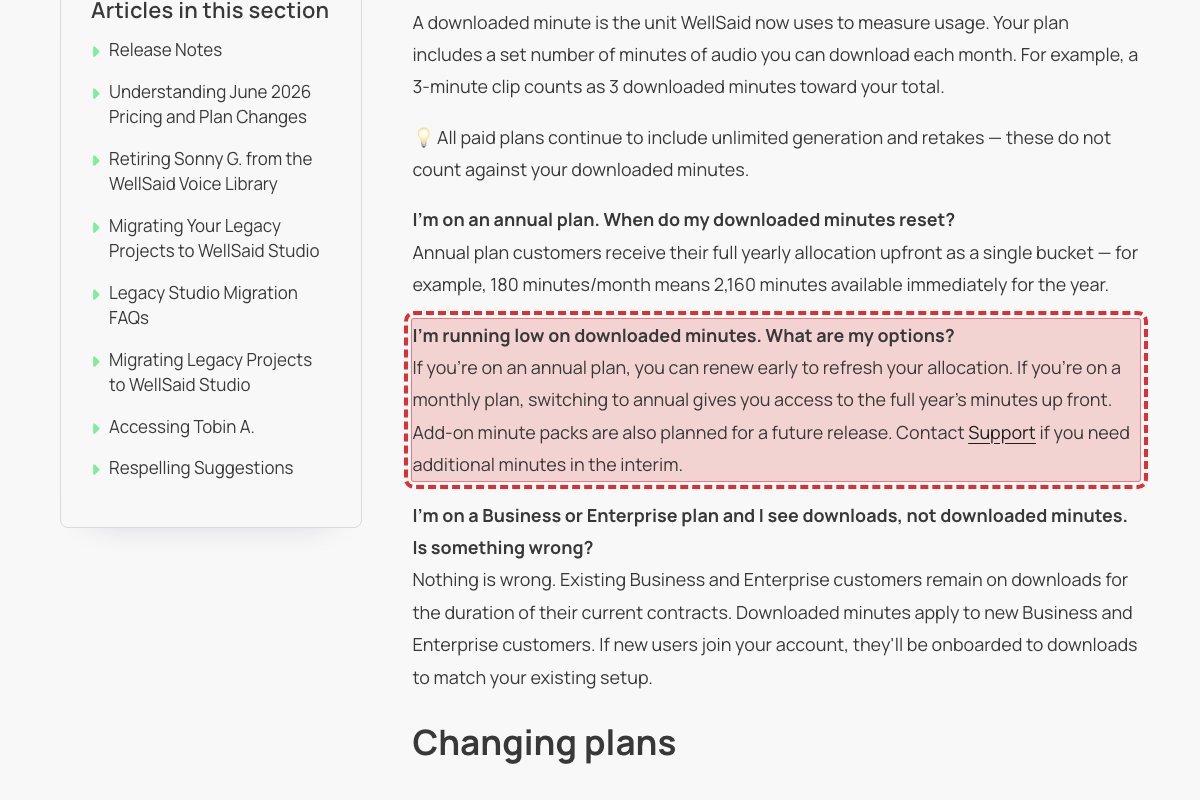
This pricing FAQ, last updated 2026-07-21, still answers "I'm running low on downloaded minutes" with "Add-on minute packs are also planned for a future release. Contact Support if you need additional minutes in the interim." Add-ons launched two weeks earlier: the article Adding More Minutes to Your Plan (published 2026-07-07) says "Add-ons let you purchase extra minutes without upgrading to a higher plan tier" and walks through buying one from Account Settings, and the July 2026 release notes announce them. Customers who hit their limit are being sent to Support for something they can buy themselves in three clicks.
The new intro promises every voice is tagged with a speaking style, but more than half the list is tagged "(Partner)" — a voice model, not a style
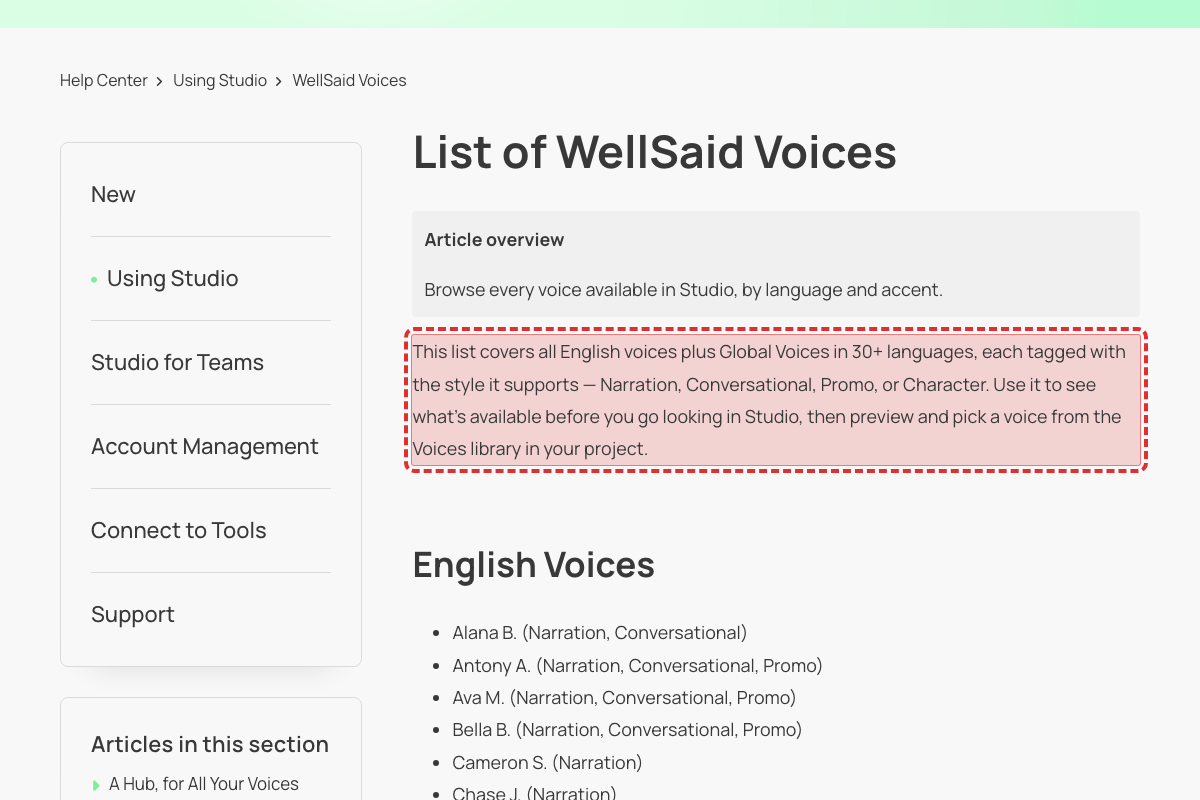
The intro paragraph added to this article this week says the list covers voices "each tagged with the style it supports — Narration, Conversational, Promo, or Character". Of the 205 voices listed, 109 are tagged "(Partner)" instead — every Arabic, Chinese, Czech, Danish, Dutch, Italian, Japanese, Korean, Persian, Polish, Portuguese, Swedish and Turkish voice, plus most Spanish, French and German ones. Partner is a voice model, not a style: Creating Audio at Different Sample Rates says "Standard and Partner voices always render at 24 kHz", and Exploring Languages, Accents, and Styles says "Voices are organized into four speaking styles" with no Partner among them. Someone looking for a Conversational Spanish voice can't tell from this list which Spanish voices offer one.
The pricing page dropped WAV and OGG downloads from the Pro plan this week, but the getting-started guide still tells everyone to pick .mp3, .wav, or .ogg
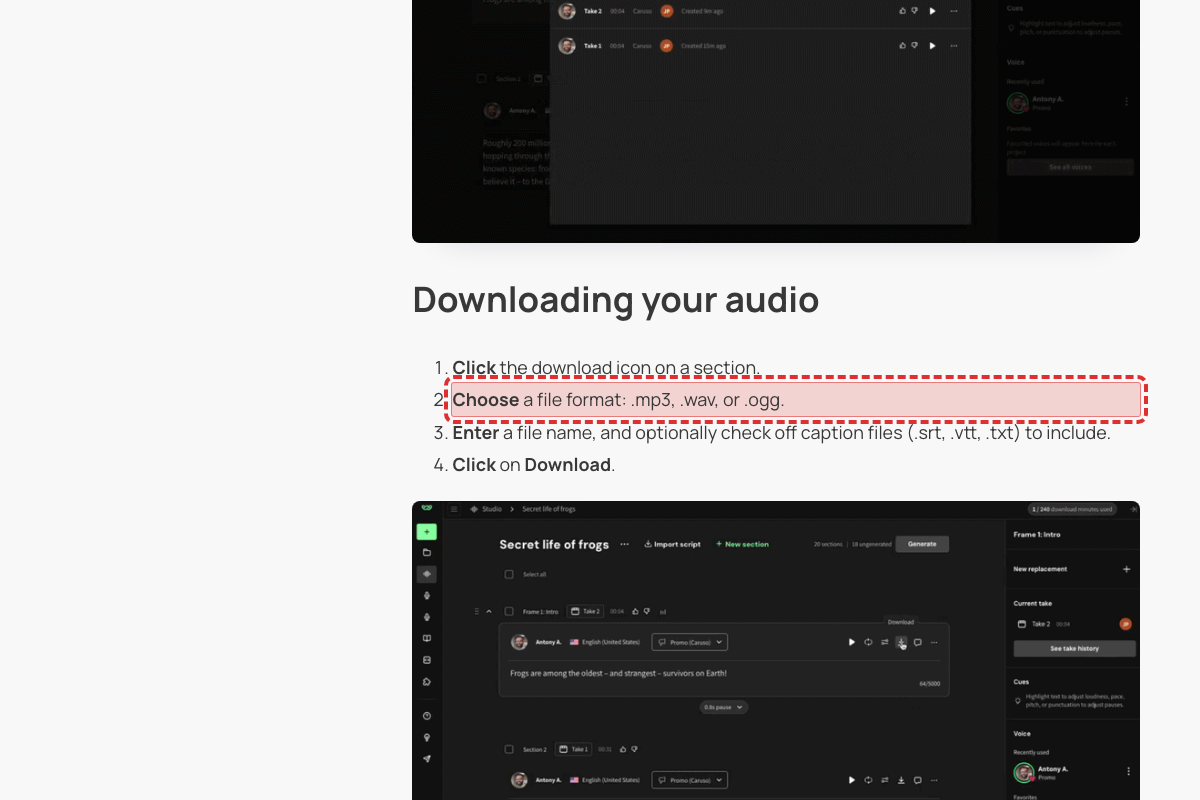
The pricing page's Export formats row now reads "MP3MP3MP3, TXTMP3, WAV, OGG, TXTMP3, WAV, OGG, TXT" across Trial, Starter, Pro, Business and Enterprise — the Pro column changed from "MP3, WAV, OGG, TXT" to "MP3, TXT" this week. This guide, rewritten on 2026-07-25, still says "Choose a file format: .mp3, .wav, or .ogg." with no plan condition, and Downloading Sections and Projects says "OGG and WAV are available on Business and Enterprise plans; MP3 is available on all plans." A Pro subscriber following the getting-started steps will look for a .wav option that their plan no longer offers.
The new caption article says captions come in two formats, then offers three — and the pricing page lists only SRT and VTT
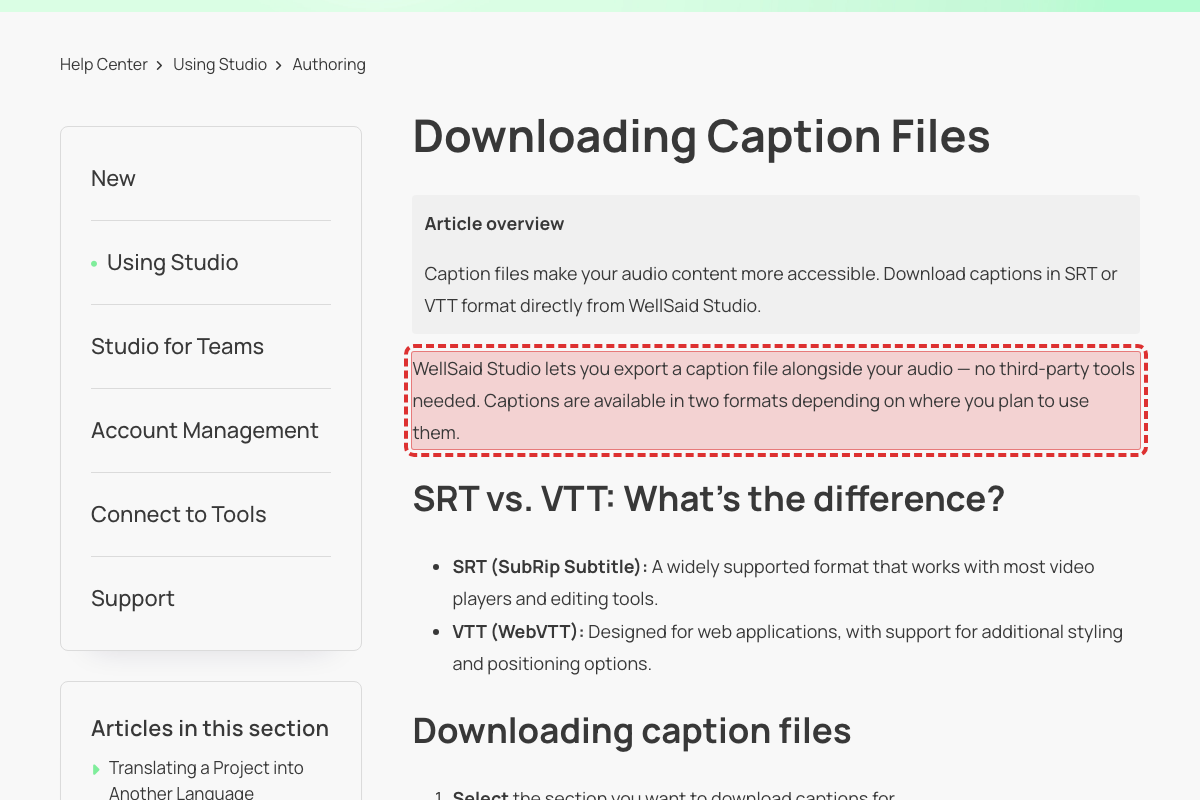
This article, republished on 2026-07-27, opens with "Captions are available in two formats depending on where you plan to use them" and a "SRT vs. VTT" section, but the download steps then say "Select an option: SRT, VTT, or TXT." Two other articles updated this week agree there are three — Getting Started with WellSaid Studio offers "caption files (.srt, .vtt, .txt)" and Creating Audio at Different Sample Rates refers to "downloading captions (SRT, VTT, TXT)". The pricing page's comparison table still lists "Caption file downloads .SRT, .VTT" for every paid plan, so a customer checking what their plan includes gets a different answer than the help article gives them.
Seven marketing pages promote a control called "AI Director", a name that appears nowhere in the Help Center or the product
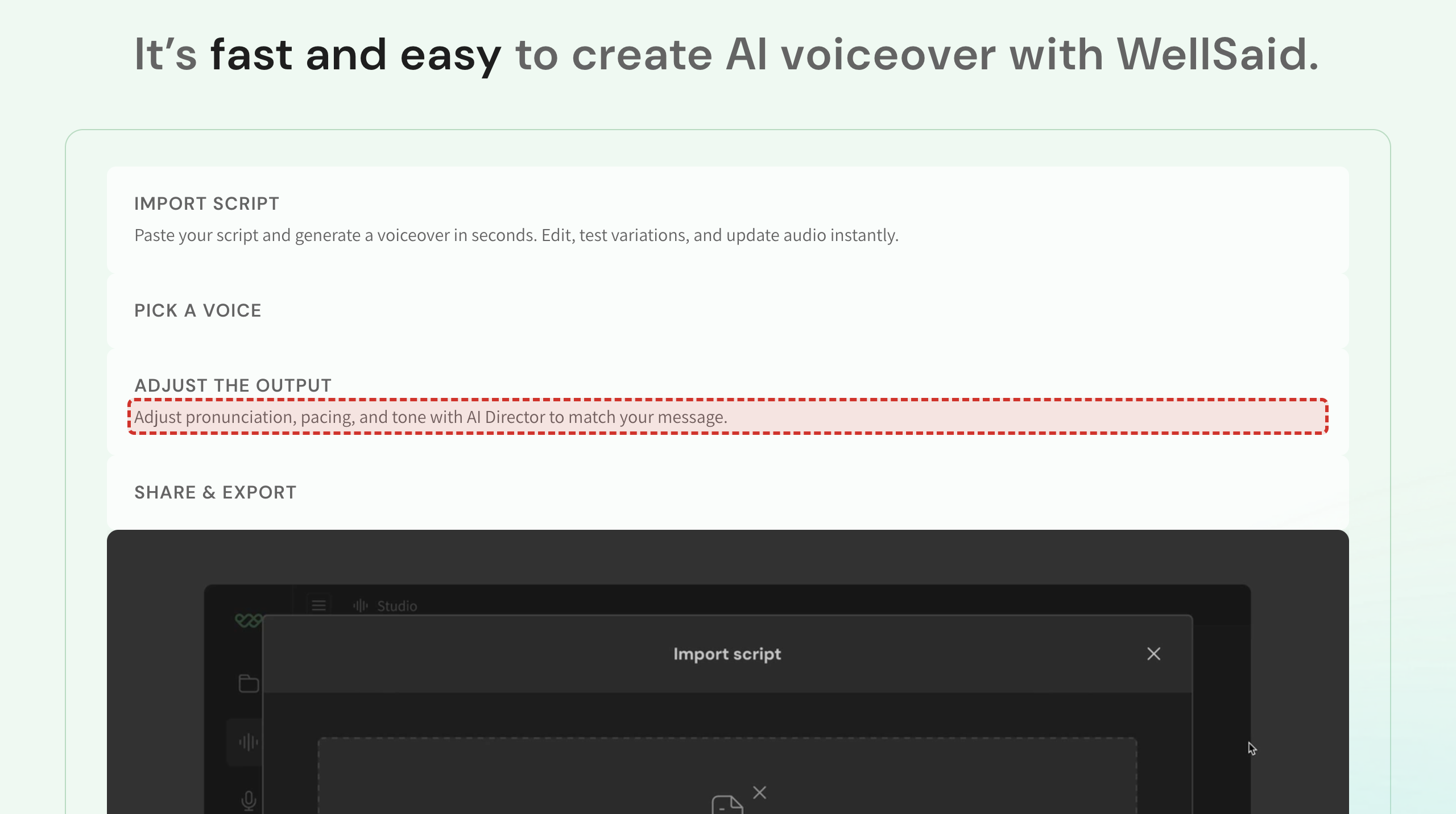
The homepage's "ADJUST THE OUTPUT" step reads "Adjust pronunciation, pacing, and tone with AI Director to match your message", and the same name appears on the API, marketing, healthcare, manufacturing, financial-services and advertising pages. No Help Center article uses it: the controls for pitch, pace, loudness and pauses are documented as Voice Cues ("Voice Cues are only available on Caruso voices"), Emotional Presets, and the Smart Toolbar. A prospect who reads about AI Director and then searches the Help Center for it finds nothing.
Sonny G. retirement notice is still written as a future event, but the May 20, 2026 retirement date has already passed
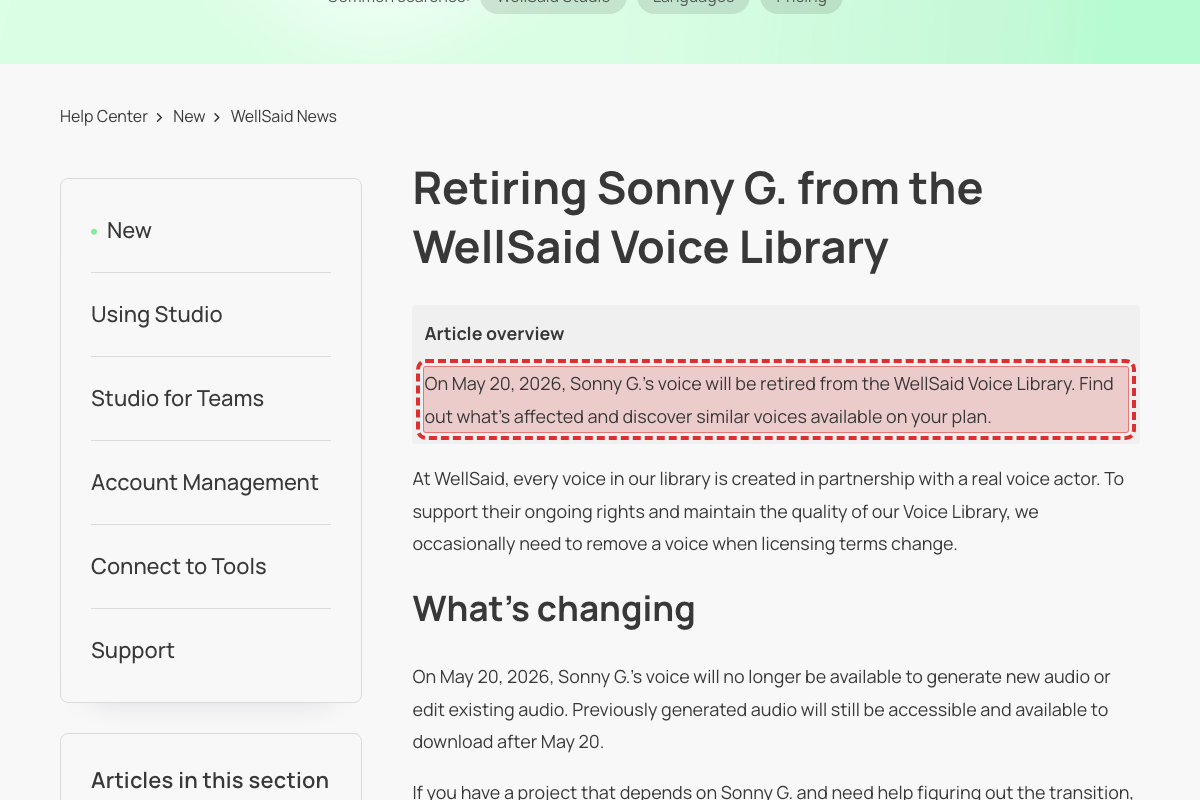
Article 51806828542099 (last updated 2026-06-29, unchanged in word count from the prior crawl) still reads 'On May 20, 2026, Sonny G.'s voice will be retired from the WellSaid Voice Library' and 'On May 20, 2026, Sonny G.'s voice will no longer be available to generate new audio or edit existing audio.' The stated date has already passed. This is the same future-tense-past-date staleness pattern already flagged on the Legacy-migration preview article (51253958068755), but on a different page, and it is not present in the carried-forward finding set for this scan.
Legacy-migration preview article still uses future tense for the June 1, 2026 migration that has already gone live, and promises a guide "in June" that is already published
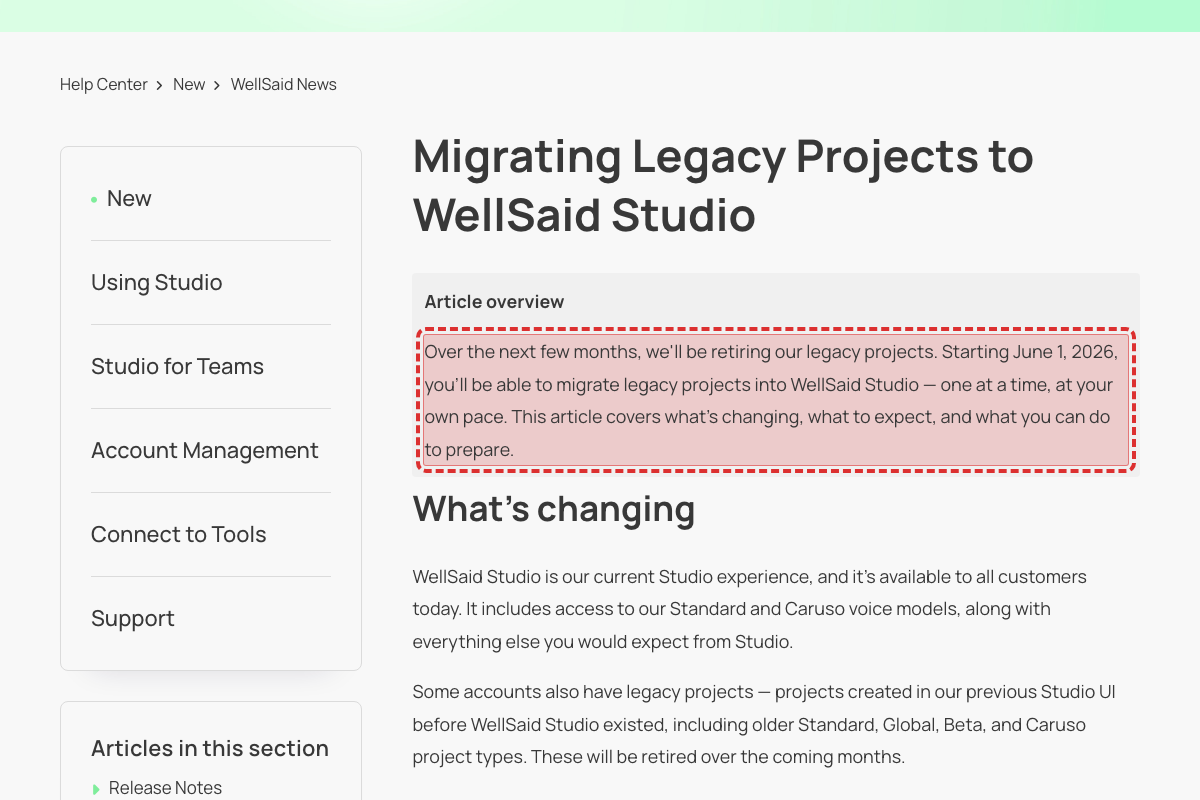
Article 51253958068755 (last updated 2026-06-05) still reads 'Starting June 1, 2026, you'll be able to migrate legacy projects', 'Migration is not automatic. Starting in June, you'll be able to migrate projects one at a time', and 'We'll be sharing a complete migration guide in June.' The stated date has already passed. Migration is already live: the companion guide 51751205121299 (published 2026-05-15) uses present tense ('you can migrate your legacy projects') and the dated timeline table lists 'June 1, 2026 — Migration opens.' Readers are told migration is a future capability and that a complete guide is still forthcoming, when both already exist. Same future-tense staleness pattern as the carried-forward May 20 findings (Sonny G. / Tobin A.) but on a different page and date, so not a duplicate of any carry-forward.
Tobin A. plan-restriction notice is still written as a future change, but the May 20, 2026 date has already passed
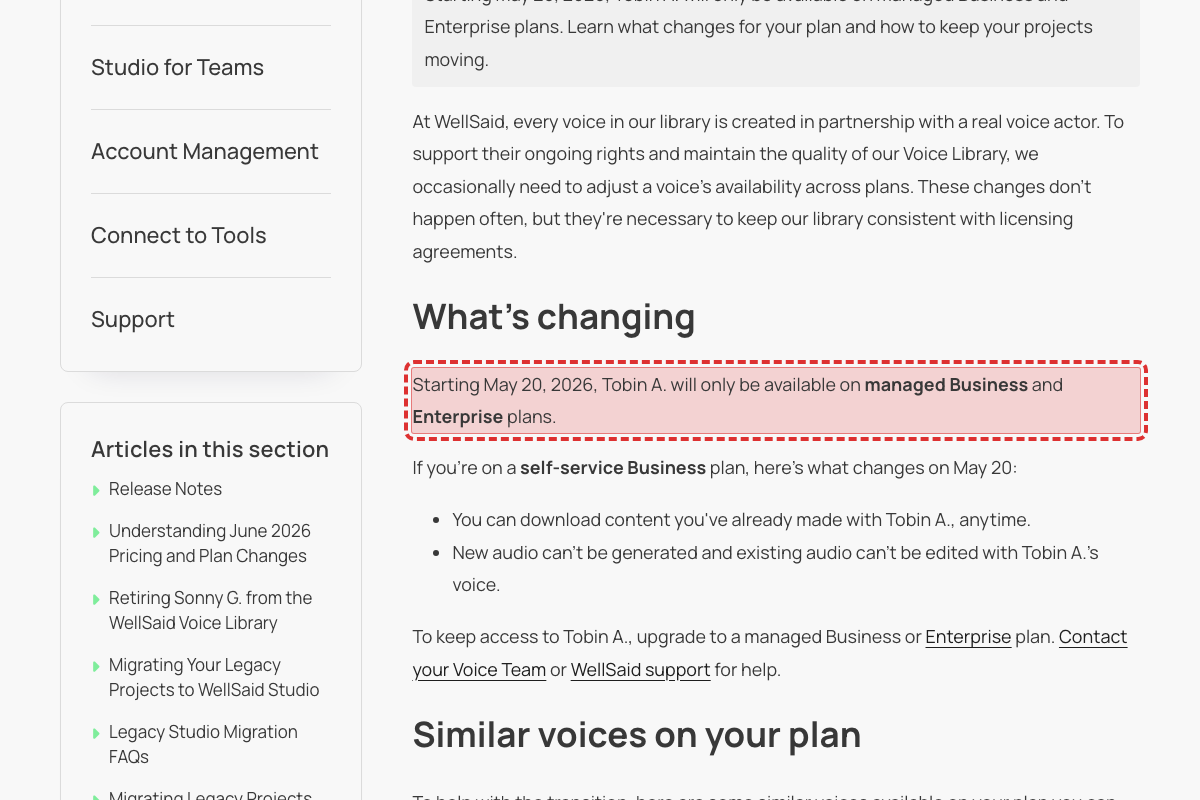
Article 47141067116947 (last updated 2026-06-29, unchanged in word count from the prior crawl) still reads 'Starting May 20, 2026, Tobin A. will only be available on managed Business and Enterprise plans' and 'If you're on a self-service Business plan, here's what changes on May 20'. The stated date has already passed. Same future-tense-past-date staleness pattern as the Sonny G. retirement notice and the Legacy-migration preview article; not present in the carried-forward finding set for this scan.
Security page commits to WCAG 2.1 accessibility compliance "by 2025" — a deadline that has already passed
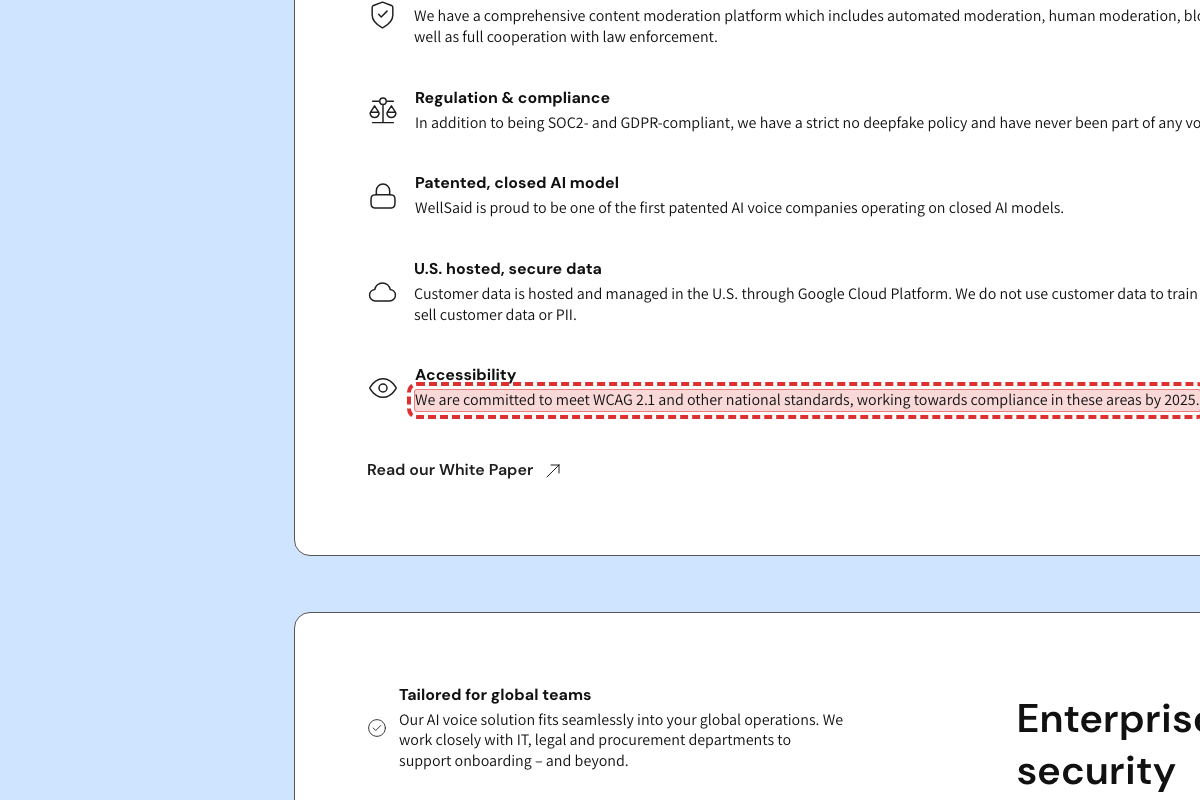
This page (https://www.wellsaid.io/features/features-security; the prior /features/security page was removed). Its Accessibility section reads 'We are committed to meet WCAG 2.1 and other national standards, working towards compliance in these areas by 2025.' The stated date has already passed. The rest of the section is forward-looking ('working towards'), so the page implies the WCAG 2.1 goal is still in progress past its own deadline. Not present in the carried-forward finding set.
The number of supported languages is stated three different ways: 30+ on the marketing page, 17 on the corporate-communications page, and 18 in the marketing page's own language list
The marketing page (changed this week) says 'support for 30+ languages and 120+ studio-quality voices'. Its own 'Supported languages & accents' table lists only 18 languages. The corporate-communications page says 'Deliver the same message clearly across 17 languages and 280+ AI voices'. Two other pages (corporate-training, social-media-content) say '50+ languages & accents', which counts accents too and so isn't directly comparable. A buyer checking whether their language is covered gets 17, 18, or 30+ depending on which page they land on. NOTE (R2): the '120+ ... voices' half of this same sentence is a new instance of the existing carry-forward finding 'homepage-voice-count-120-vs-280-inconsistency' — it is deliberately NOT re-flagged here, but that carry-forward should be extended to also cite https://www.wellsaid.io/industries/voice-ai-marketing and https://www.wellsaid.io/solutions/advertising.
API free-trial length is stated two different ways: the Help Center says 14 days, the product website says 7 days
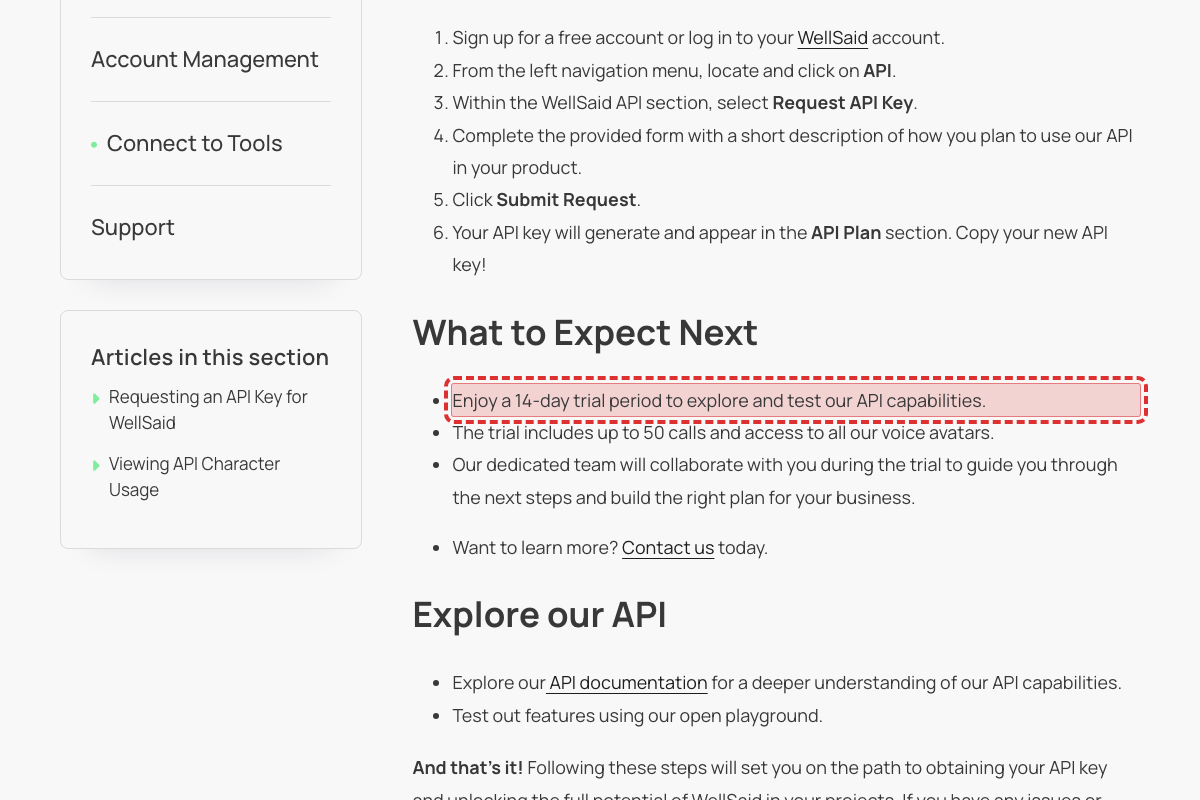
This Help Center article (updated June 29) says 'Enjoy a 14-day trial period to explore and test our API capabilities.' The public API page at wellsaid.io/text-to-speech-api says 'Signing up for an API trial is free and easy. You'll have 7 days to try out all of our features.' Both describe the same API trial, so a developer comparing the two can't tell whether it's 7 or 14 days.
The number of available voices is stated two different ways on the same homepage: 120+ in two places, 280+ in another
Browse 280+ realistic voices and preview them in your script.
Pick one voice-count figure and use it consistently. The homepage says both '120+' (twice) and '280+' (once); the industry pages (financial-services, healthcare) also use '280+'. Confirm the correct current count and align every marketing page to the same number. The Help Center's List of WellSaid Voices currently names 205 voices, so neither figure matches the published list either.
The homepage was substantially rebuilt this week (915 to 1,537 words) and still contradicts itself on the voice count. It says "Choose from 120+ natural-sounding AI voices" and "Pick from 120+ natural styles", while the "PICK A VOICE" section says "Browse 280+ realistic voices and preview them in your script." Neither number is qualified as a subset, so a visitor can't tell whether there are 120 or 280 voices, and the Help Center's List of WellSaid Voices names 205. The same "280+" boilerplate also appears on /industries/financial-services-voice-ai and /industries/voice-ai-healthcare, so the inconsistency is site-wide.
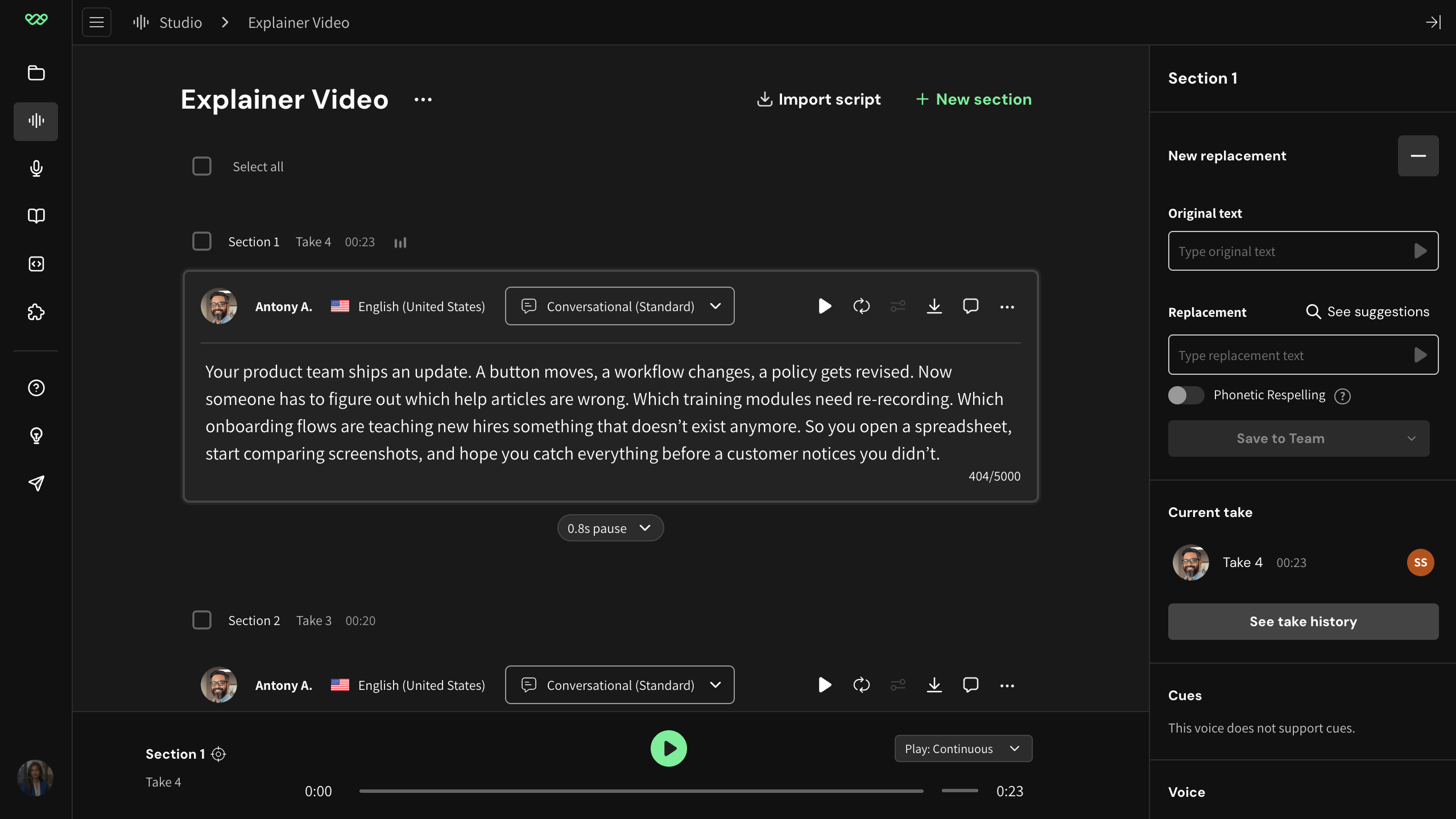
The rewritten Respellings article still sends readers to a "Pronunciation Library" while using the newer Replacements wording in the same steps
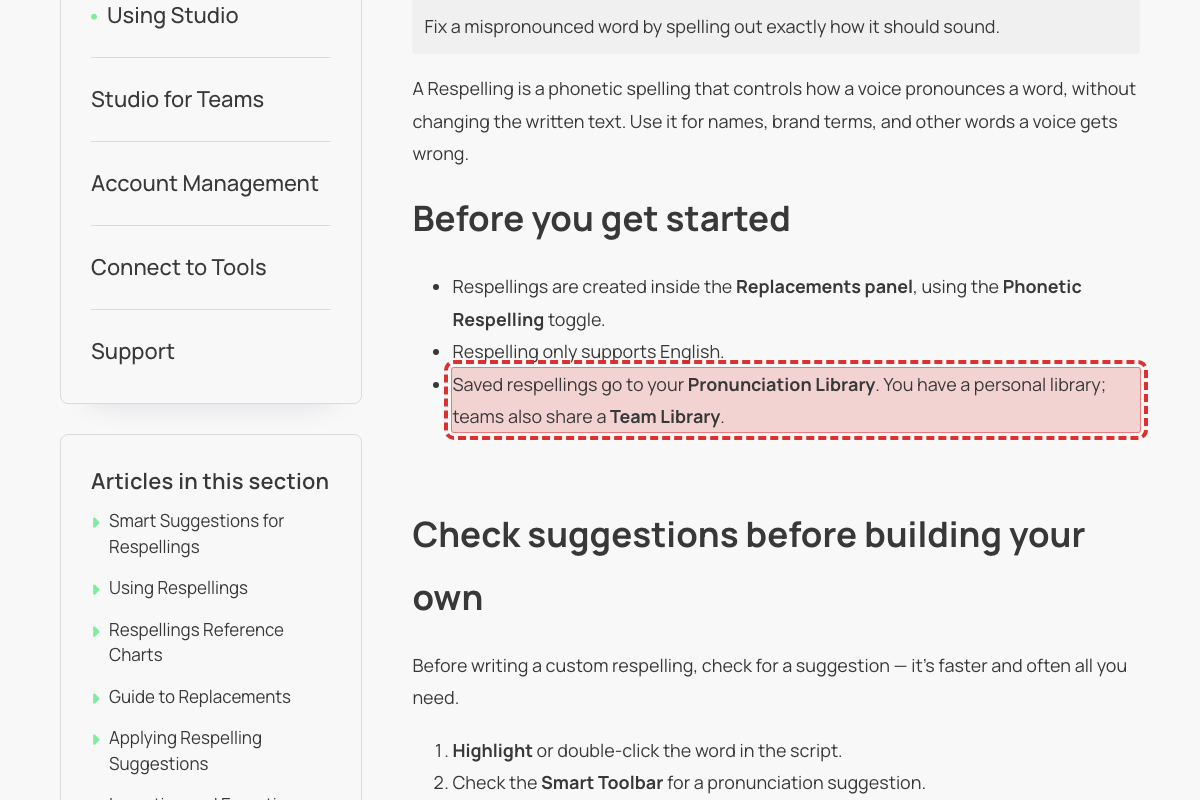
This article was rewritten again this week (1,167 to 584 words, updated 2026-07-28) and still mixes the two names. It says "Respellings are created inside the Replacements panel" and "Click on + New replacement in the Smart Toolbar", then "Saved respellings go to your Pronunciation Library", "Save the entry to your Pronunciation Library" and "re-save it in the Pronunciation Library". The Guide to Replacements, updated the same week, tells readers to "Open Libraries in the left navigation" — so two freshly-updated articles name the same place differently. A reader following these steps looks for a "Pronunciation Library" that isn't labelled that way in the product.
Support article promises chat replies 'within 1 hour', but the pricing page says Business chat is a 4-hour SLA (only Enterprise/Priority is 1 hour)
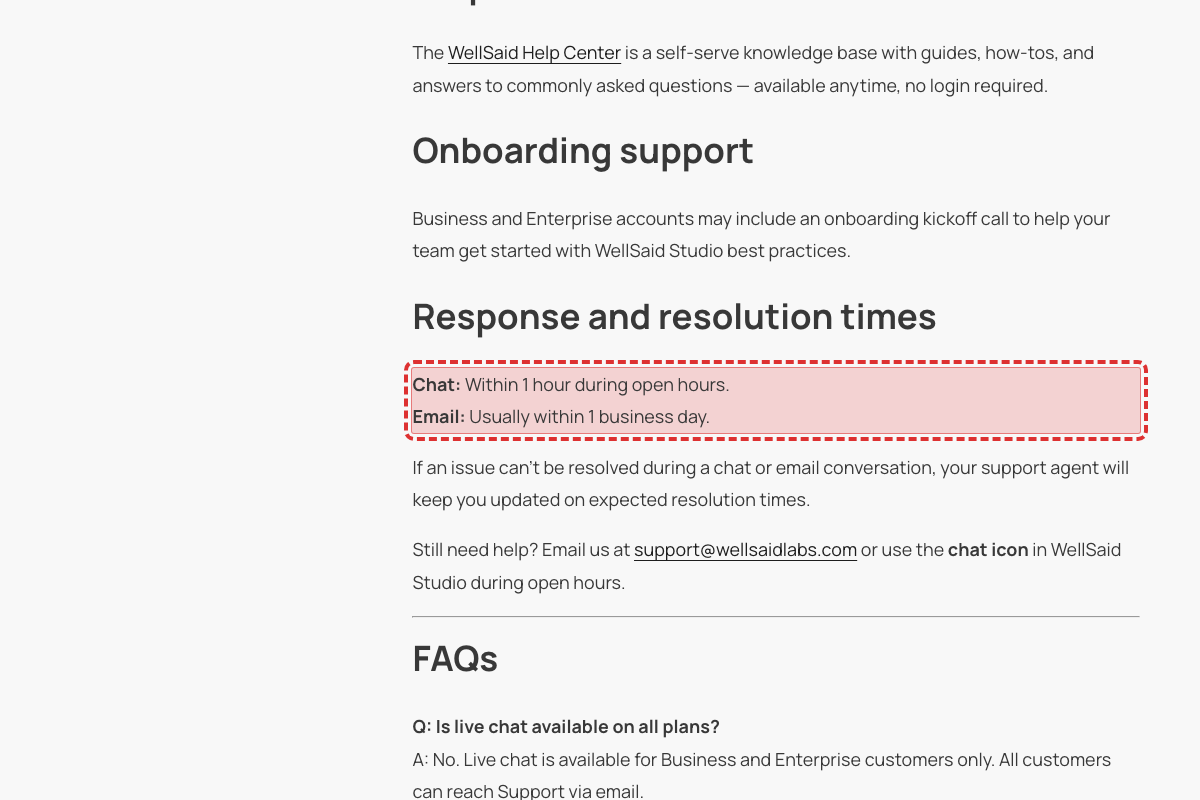
This Help Center article (updated 2026-07-06, changed this week) lists chat as available for Business and Enterprise customers and, under 'Response and resolution times', states 'Chat: Within 1 hour during open hours.' The pricing page (https://www.wellsaid.io/ai-voice-pricing) instead promises Business 'Email (1 business day SLA) and Live Chat (4 hour SLA during business hours)' and reserves the 1-hour figure for Enterprise: 'Priority Chat (1 hour SLA during business hours)'. A self-service Business customer reading the support article expects a 1-hour chat reply that the pricing SLA doesn't guarantee. Not present in the carried-forward finding set.
Contact Sales page shows a 4.6 G2 rating while eleven other pages show 4.7
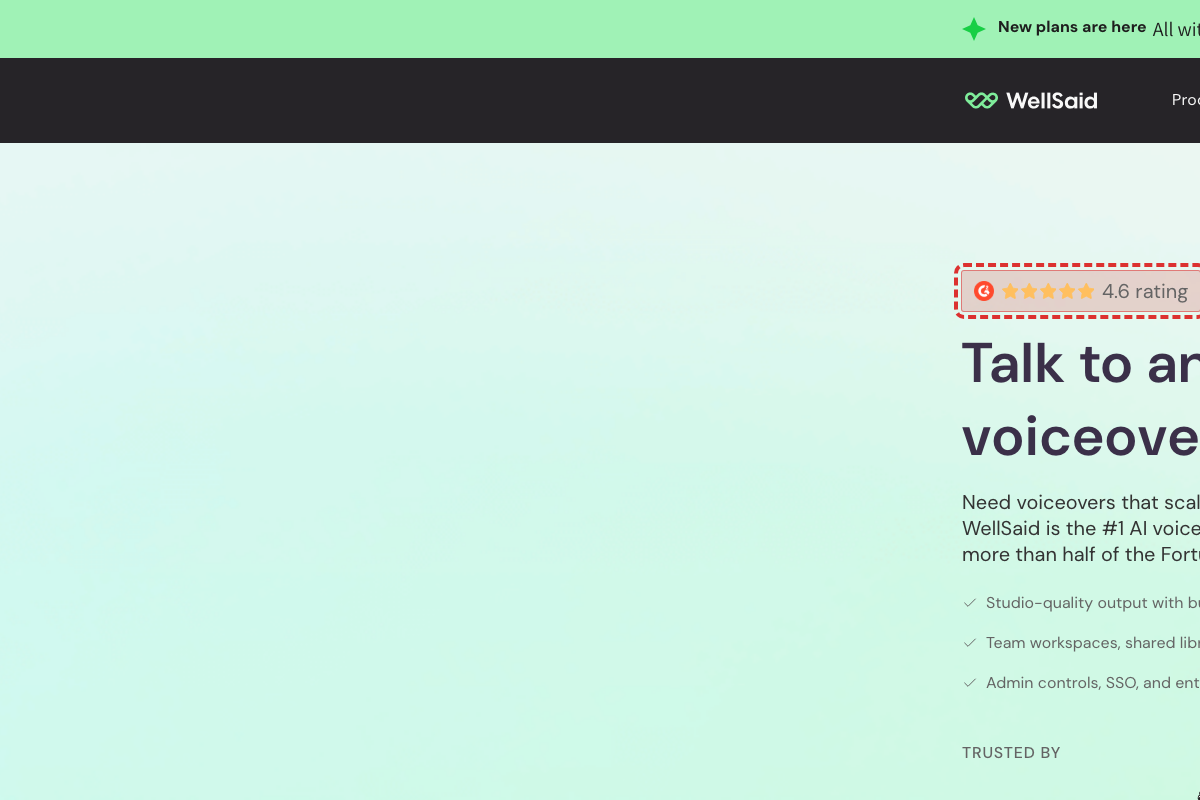
The Contact Sales page changed again this week — the heading became "Talk to an AI voiceover expert" — but it still opens with "4.6 rating". Eleven other pages, including the homepage, the enterprise page and the use-case pages, show "4.7" alongside "Check our reviews on G2". Since G2 ratings move over time, this most likely means the Contact Sales page was missed when the figure was last refreshed sitewide. Low impact on its own, but it sits on the page prospects use to start a sales conversation.
Screenshot shows legacy 'MY LIBRARY' page with green 'NEW WORD' button that no longer exists
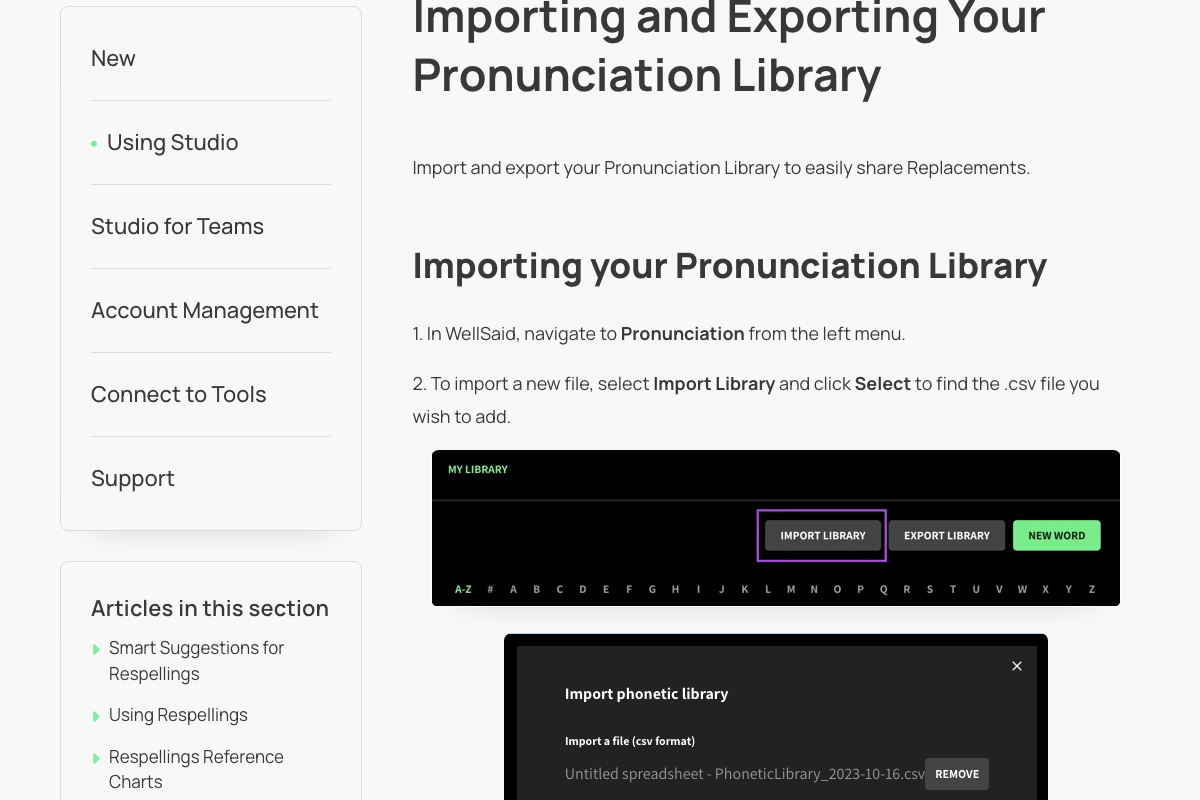
The library page is now called 'Libraries' and the primary action button to add a replacement is 'New Replacement' (not 'NEW WORD'). Per the terminology rubric, 'PRONUNCIATION' has been renamed to 'Replacements' product-wide.
Article body references navigating to 'Pronunciation from the left menu' but live Studio left-nav now uses 'Libraries' (see right-rail-voices.png reference showing 'Open libraries' and 'New replacement' instead of 'New word'). Related article 39113078033555 text explicitly says 'select New Replacement' when adding from the library, confirming the current button label.
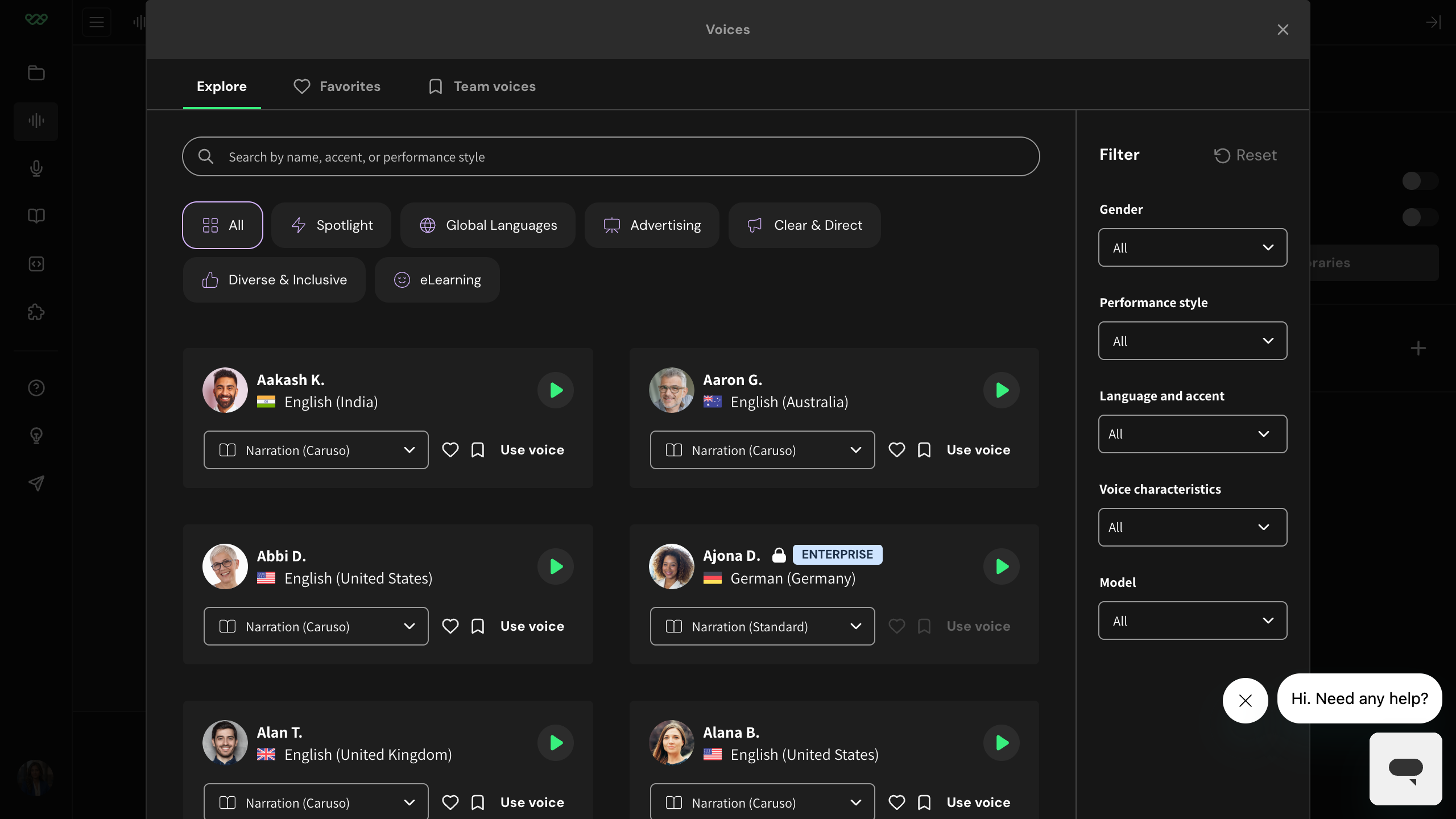
Voices modal tabs drifted: 'EXPLORE / ALL / FAVORITES' no longer matches current 'Explore / Favorites / Team voices'
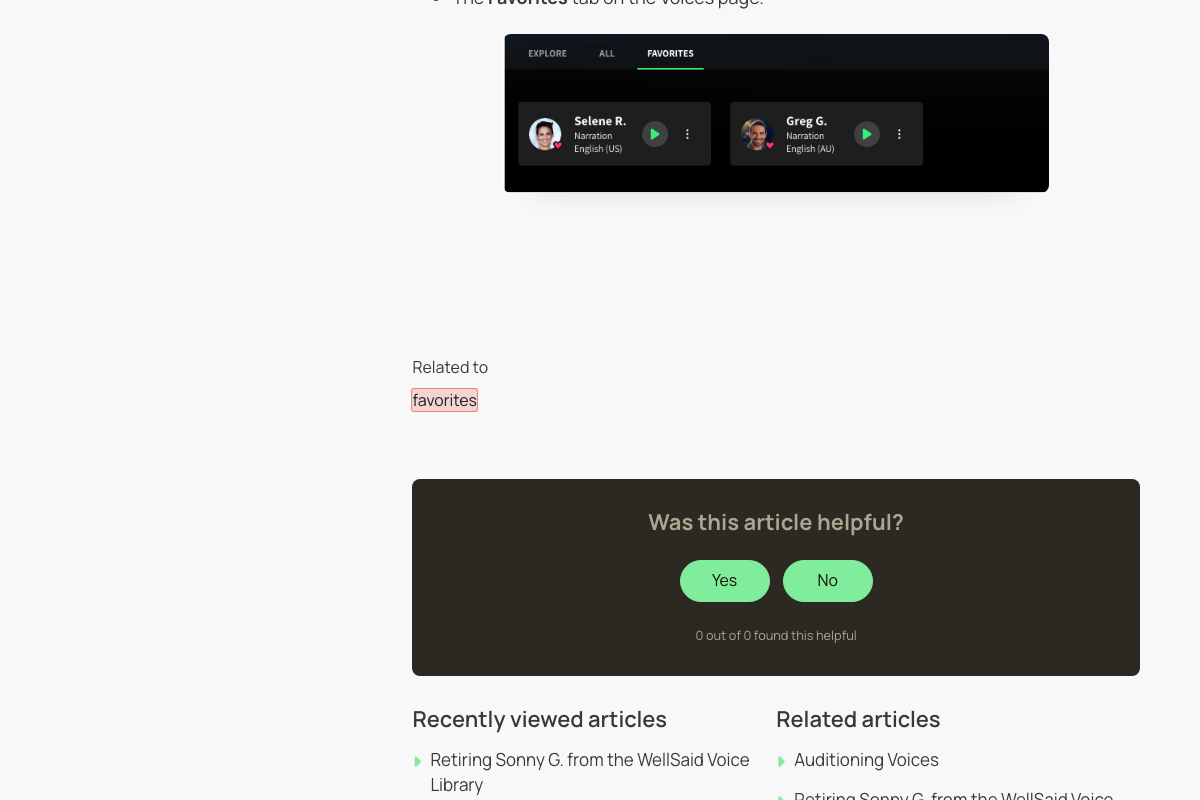
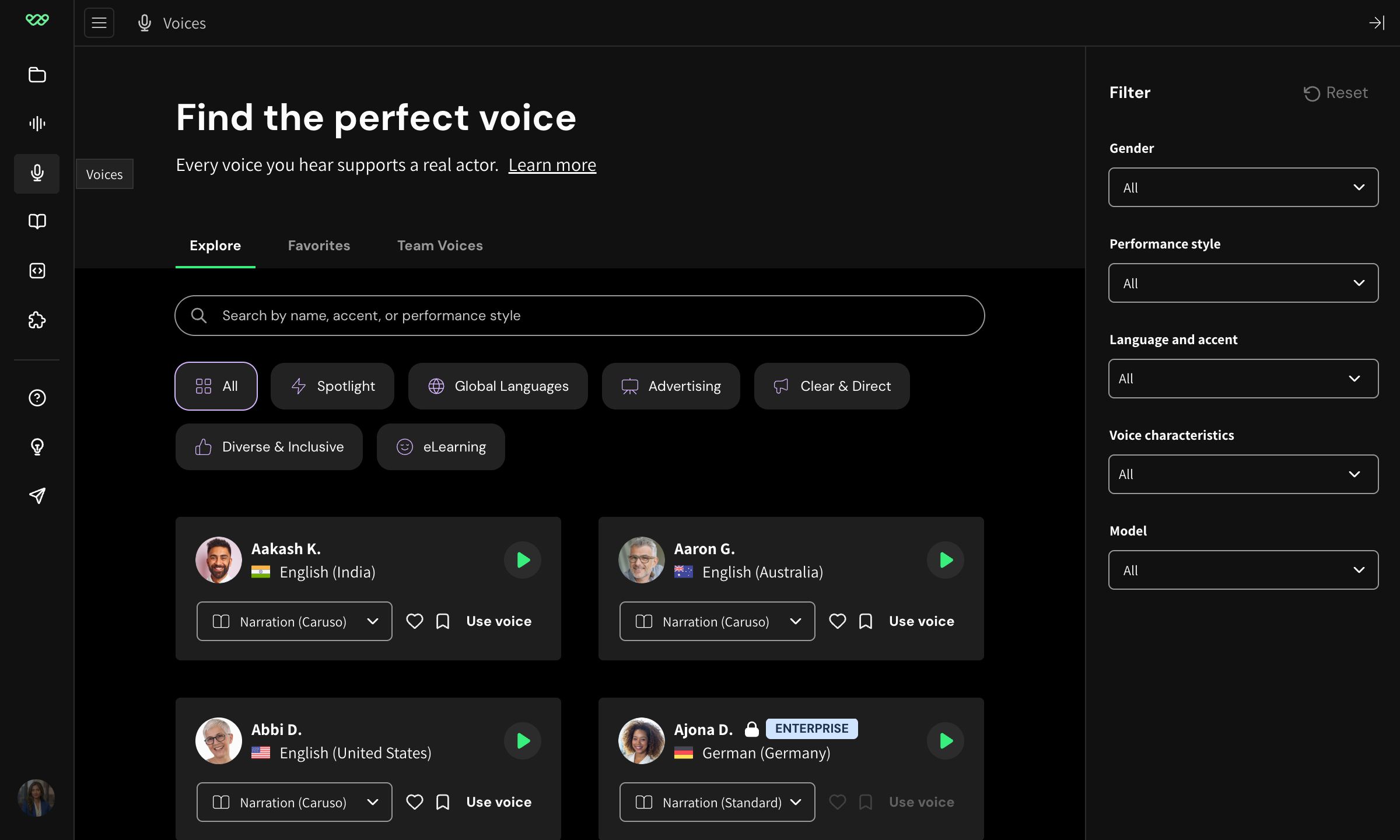
Current Voices modal uses title-case tabs 'Explore | Favorites | Team voices' (no 'All' tab). Voice cards now include country flag, 'Narration (Caruso)' model chip, heart + bookmark icons, and a 'Use voice' CTA.
Reference voice-picker-modal.png (captured 2026-04-23) shows tabs 'Explore / Favorites / Team voices' in title case with no 'All' tab; voice cards include flag, model chip, heart/bookmark, and 'Use voice' CTA. The article body even says 'From the Explore or All tabs' — a reference to a tab that no longer exists.
Import dialog titled 'Import phonetic library' — outdated naming
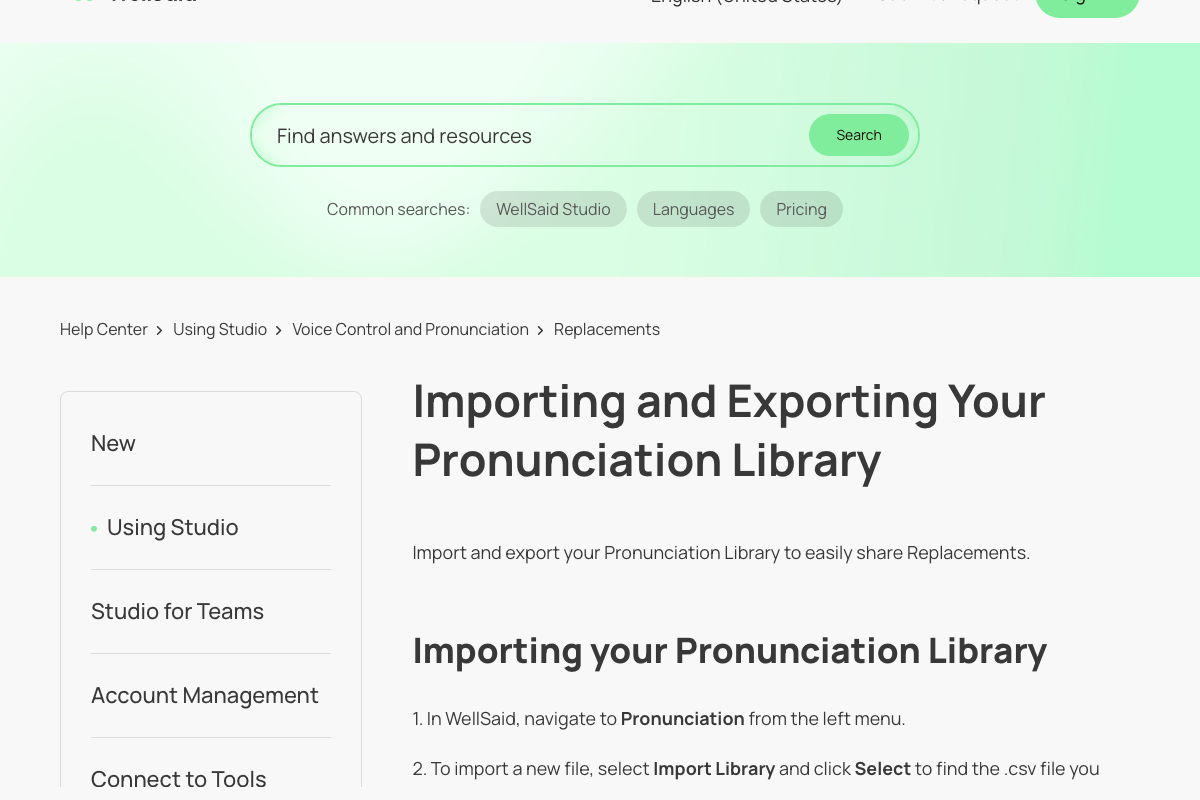
Article refers to 'Pronunciation Library' (also globally renamed to 'Replacements' per current UI). 'Phonetic library' is a stale label
Per rubric PRONUNCIATION was renamed to Replacements across the product; article still uses 'Pronunciation Library'. The screenshot's 'phonetic library' wording is older than both.
'SEE ALL AVATARS' button -- current UI says 'see all voices'
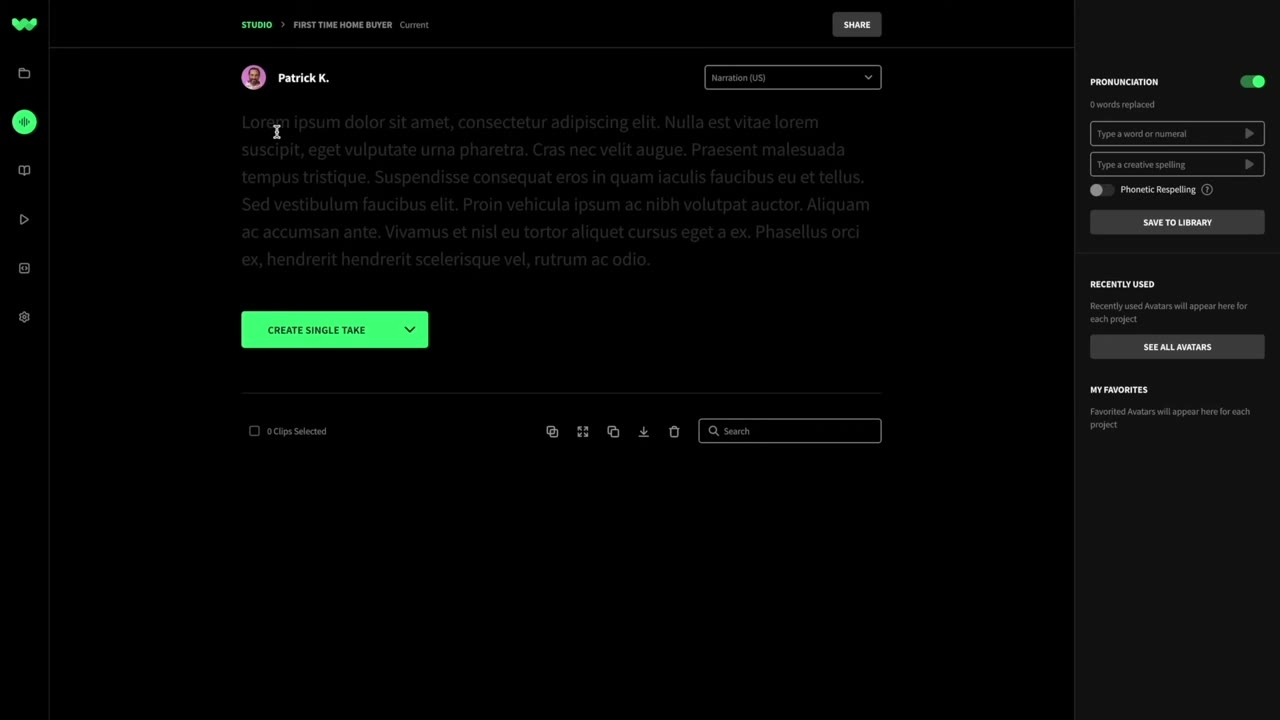
Current Studio UI labels the link 'see all voices' and the panel copy says 'voices' throughout. 'Avatars' terminology has been fully deprecated.
Corroborated by existing WellSaid Mode B audit: 'Article says See All Avatars -- live UI says see all voices'. Current-app capture confirms no 'Avatar' terminology anywhere in the voice picker or right rail.
Narration says 'voice avatar' -- product renamed to 'voices'
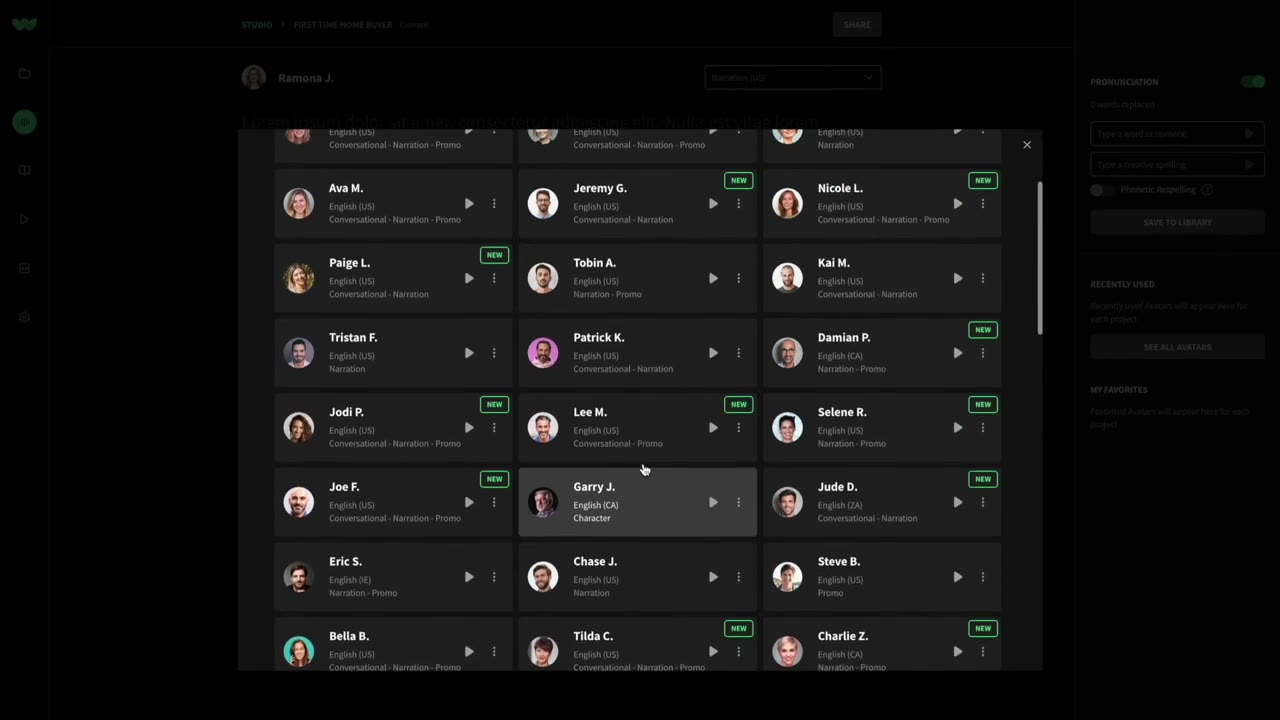
Re-record or caption: 'select the voice from our Voices panel'. WellSaid has deprecated 'avatar' terminology throughout Studio -- individual items are now 'voice cards', not 'avatars'.
Mode B audit (2026-04) and current-app capture both confirm Studio no longer uses 'avatar' anywhere in visible UI. A fossil remains in the voice-variant combobox's aria-label ('Select avatar variant') but that is an accessibility-only drift -- sighted users never see 'avatar'.
'Current / Future BETA' version dropdown has been restructured
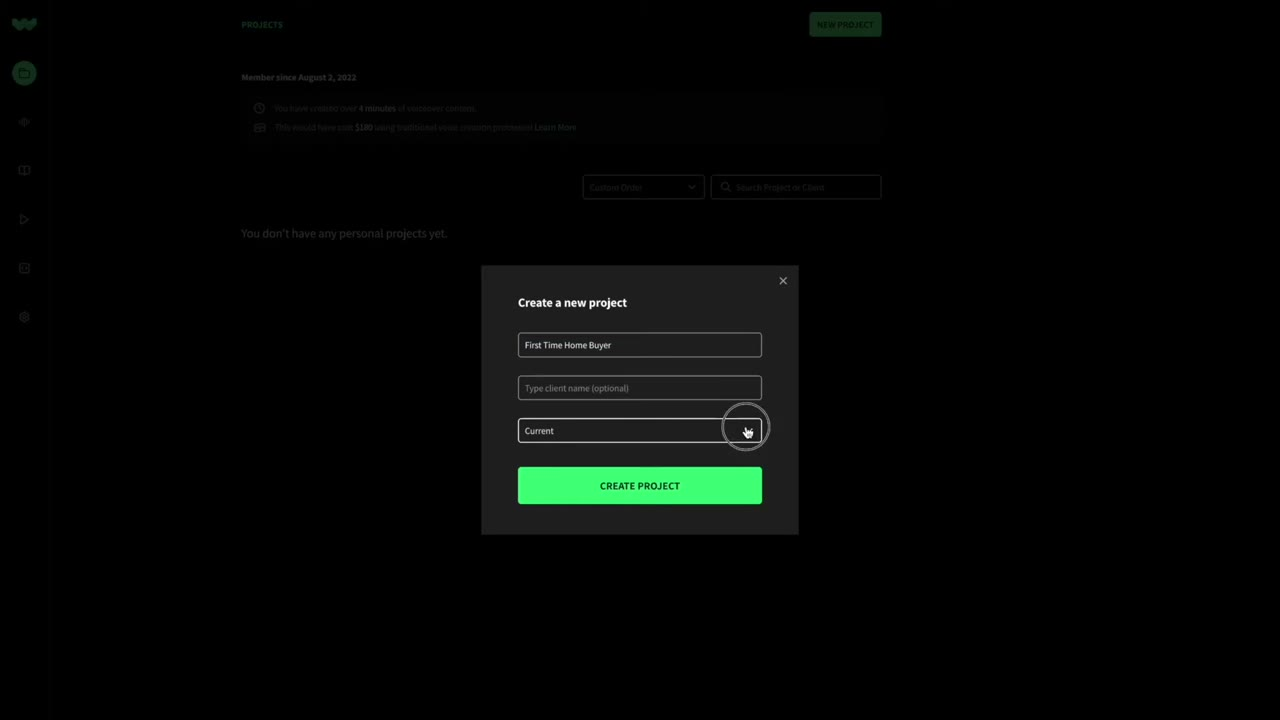
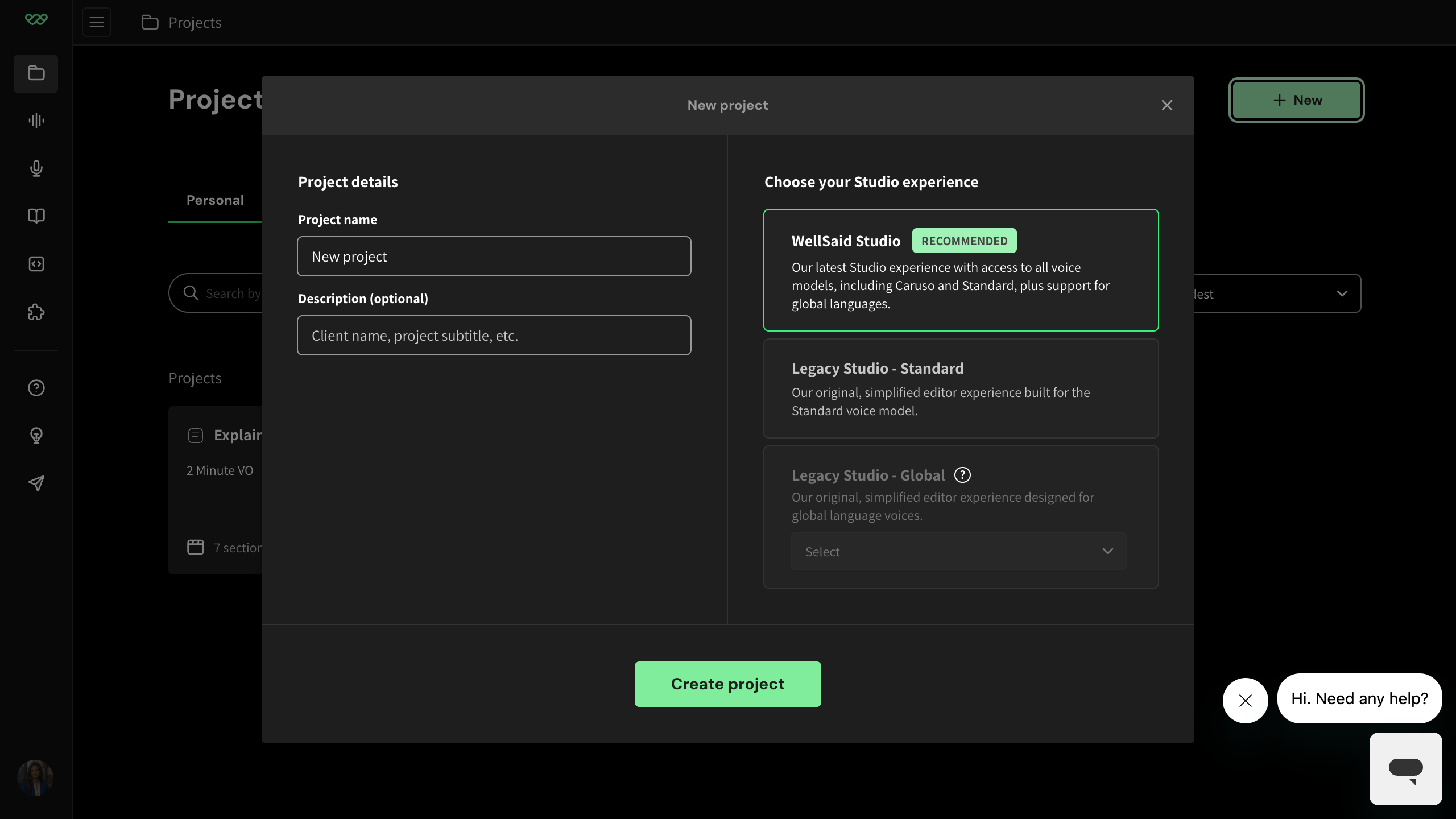
The narrator says 'select the current version of Studio' but the Current/Future BETA dropdown was replaced by three radio cards under 'Choose your Studio experience' — 'WellSaid Studio (recommended)', 'Legacy Studio - Standard', 'Legacy Studio - Global'. The 'current' option was demoted to 'Legacy Studio - Standard' (which is what this tutorial actually demonstrates). A viewer following along will not find a 'current version' selector.
Current-app capture: 'New project' modal shows three radio cards -- 'WellSaid Studio' (RECOMMENDED), 'Legacy Studio - Standard', 'Legacy Studio - Global' (with additional language dropdown).
Narration says 'voice library' -- panel renamed to 'Voices'
Re-record or caption: '...from our Voices panel...'. The voice selector dialog is now titled 'Voices' (confirmed in current-app capture).
Corroborated by existing WellSaid drift: 'Article says Voice Library -- dialog is now titled Voices'.
'NEW PROJECT' button renamed to '+ New' + chooser menu
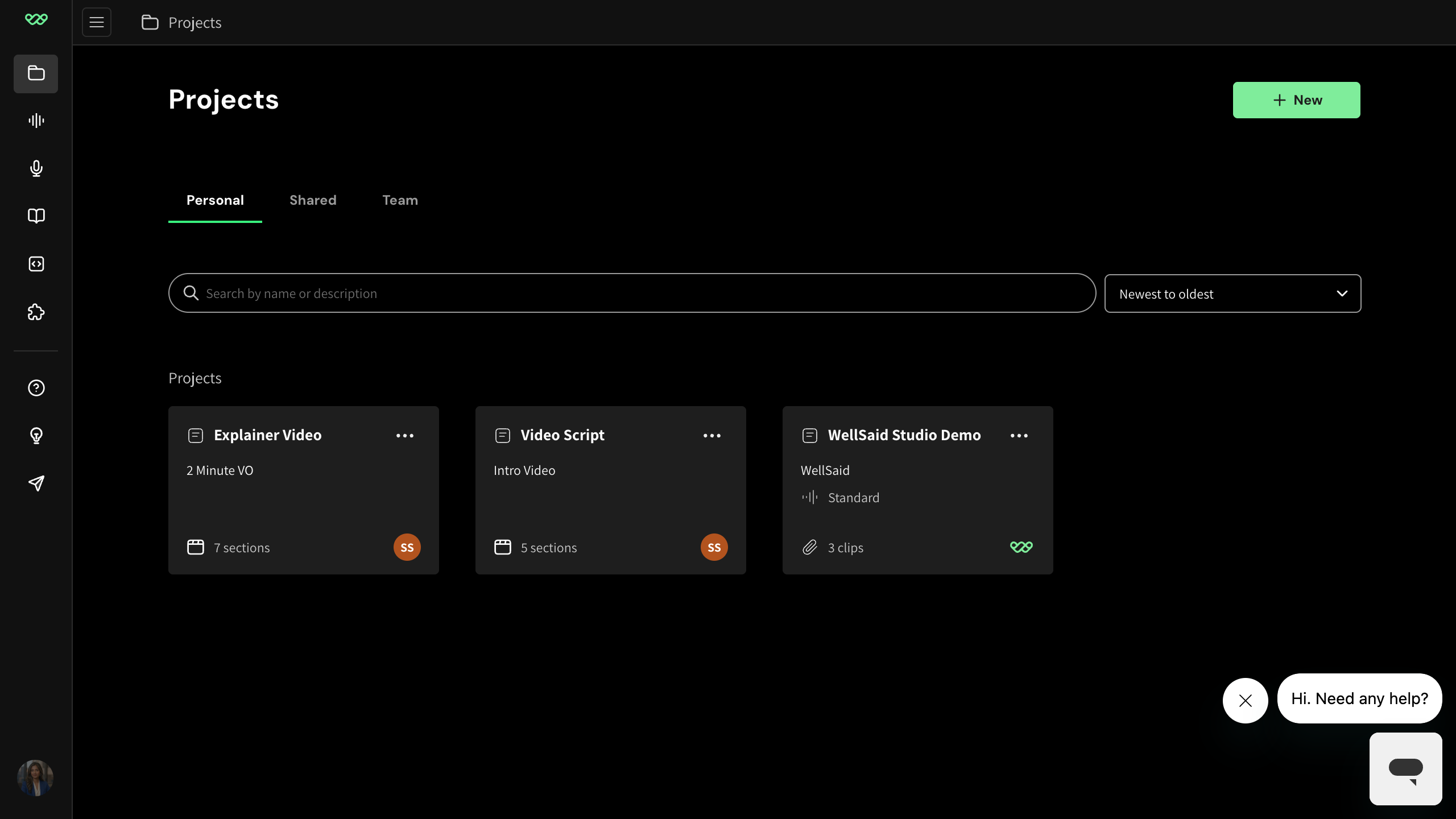
The button is now labeled '+ New' and clicking it opens a chooser menu with three items (Project / Folder / Workspace) before opening the modal. New users watching the tutorial will look for 'NEW PROJECT' and not find it.
Current-app capture of the projects home shows '+ New' button in the top-right; a second capture shows the popover menu with Project/Folder/Workspace options.
Narration says 'enter a client name' -- field renamed to 'Description'
The field is now labelled 'Description (optional)' and the placeholder reads 'Client name, project subtitle, etc.' -- 'client name' is now just one example of what to enter, not the field's purpose. Re-record or caption accordingly.
Current-app capture of the New project modal.
Right rail: 'PRONUNCIATION' section replaced by 'Replacements'
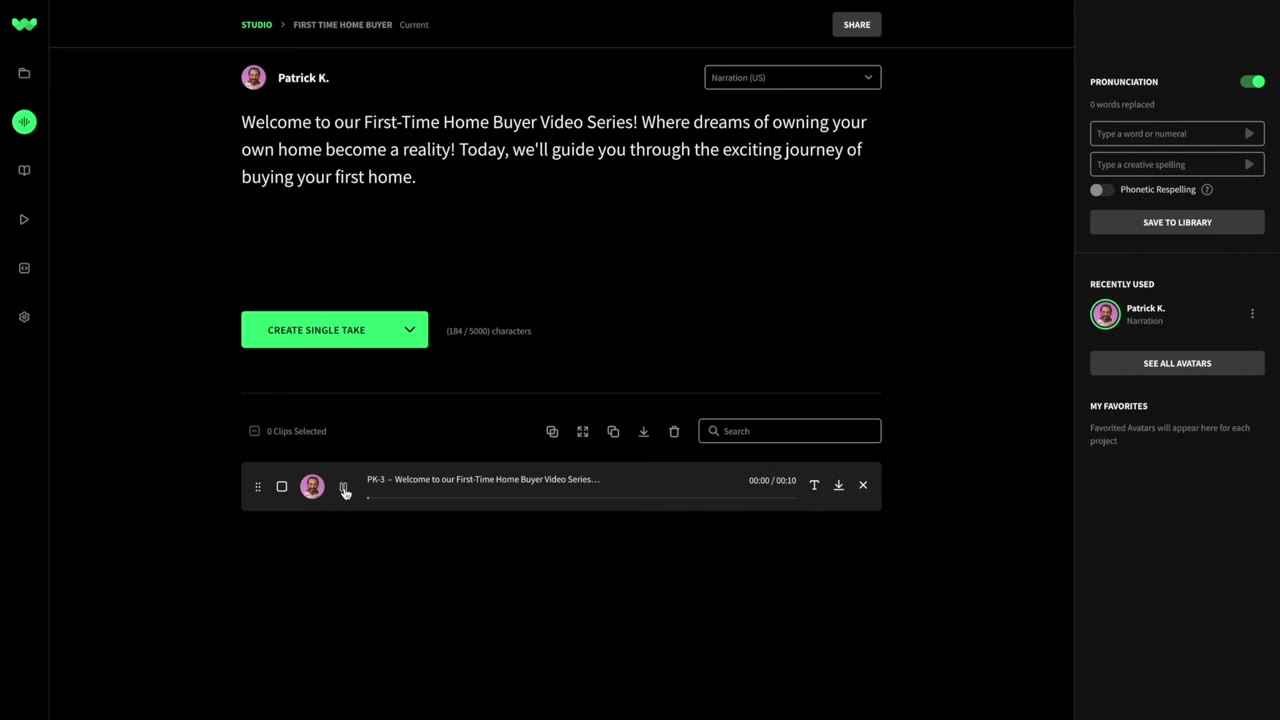
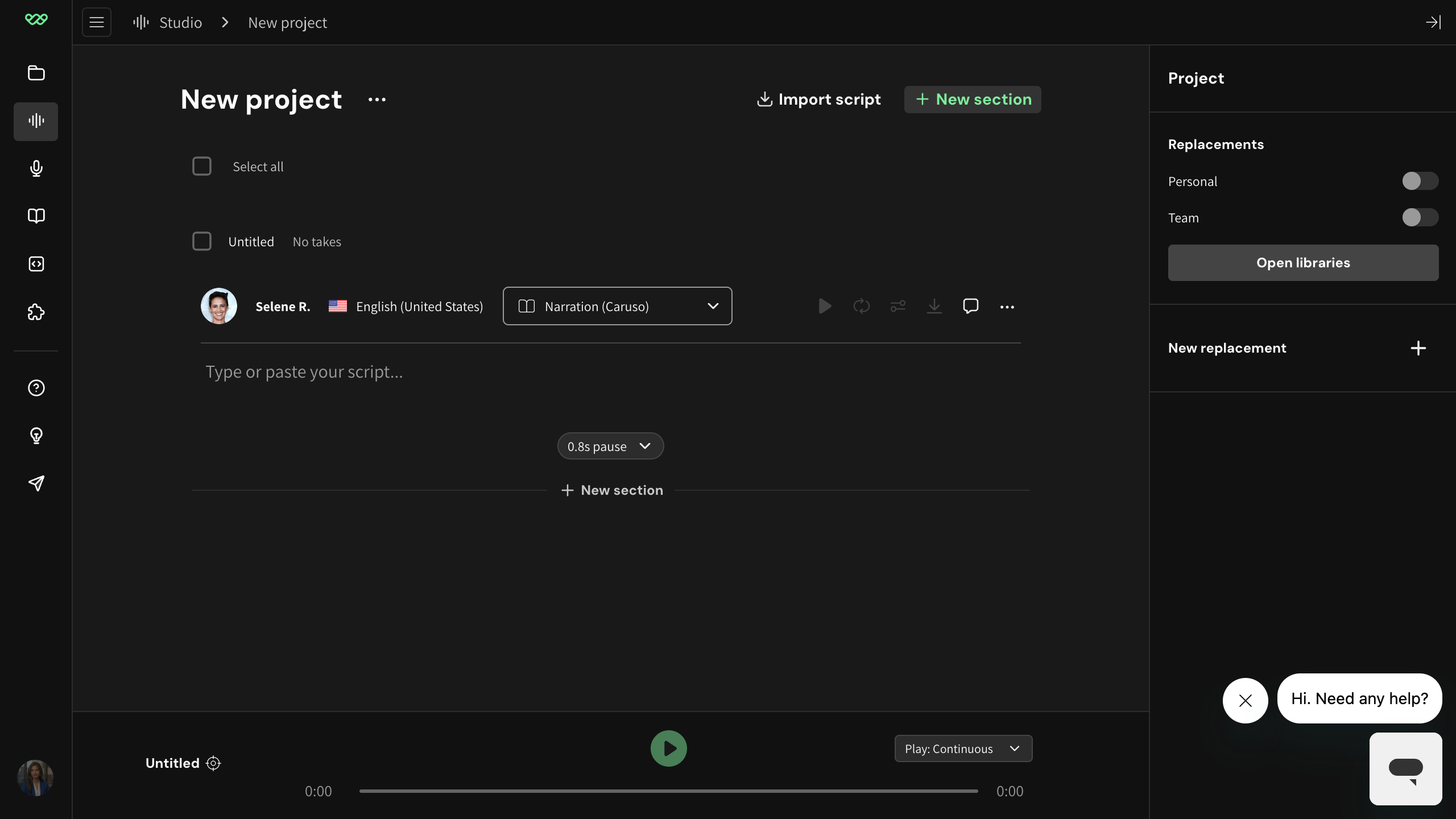
The right rail no longer contains the voice picker or the phonetic pronunciation form. The current rail is titled 'Project > Replacements' with Personal/Team toggles, an 'Open libraries' button, and a 'New replacement' affordance. The pronunciation concept evolved into the broader Replacements + Libraries feature.
Current-app capture of the editor right rail.