Re-record UI segment
Re-captures this window from the current app
Replace the 5.8s window in isolation, then splice into the canonical timeline — no full re-record.
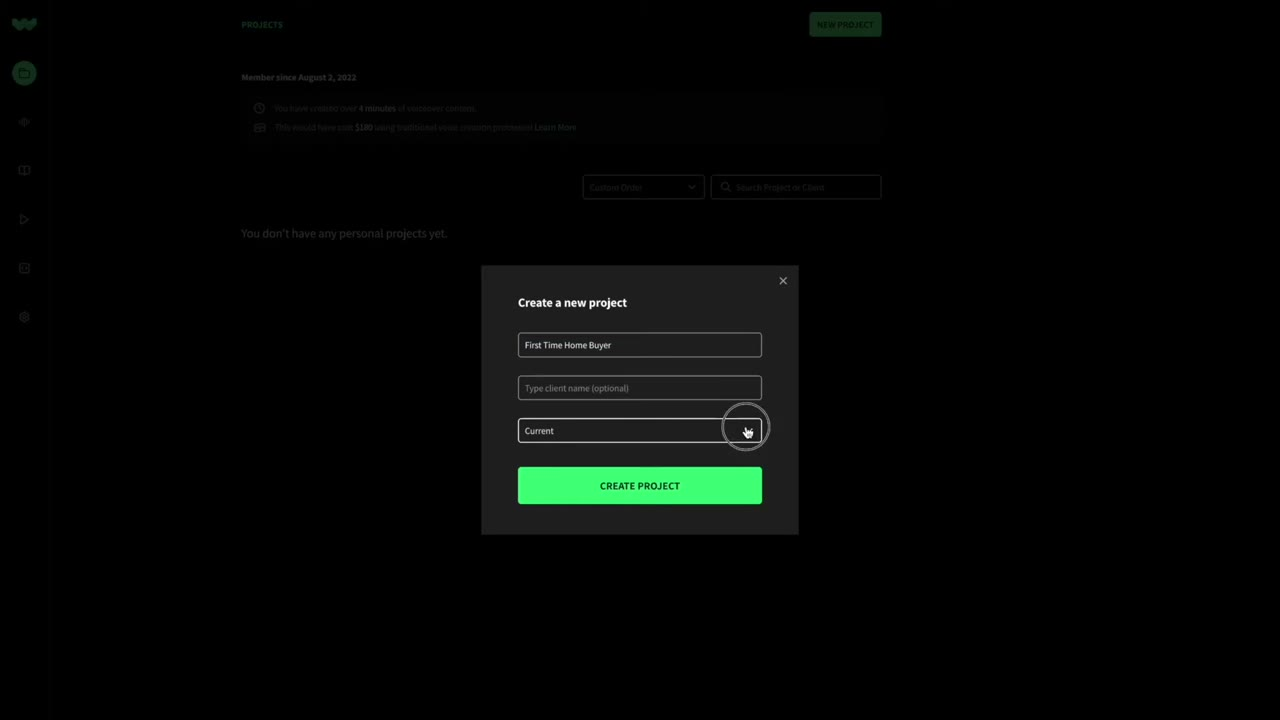
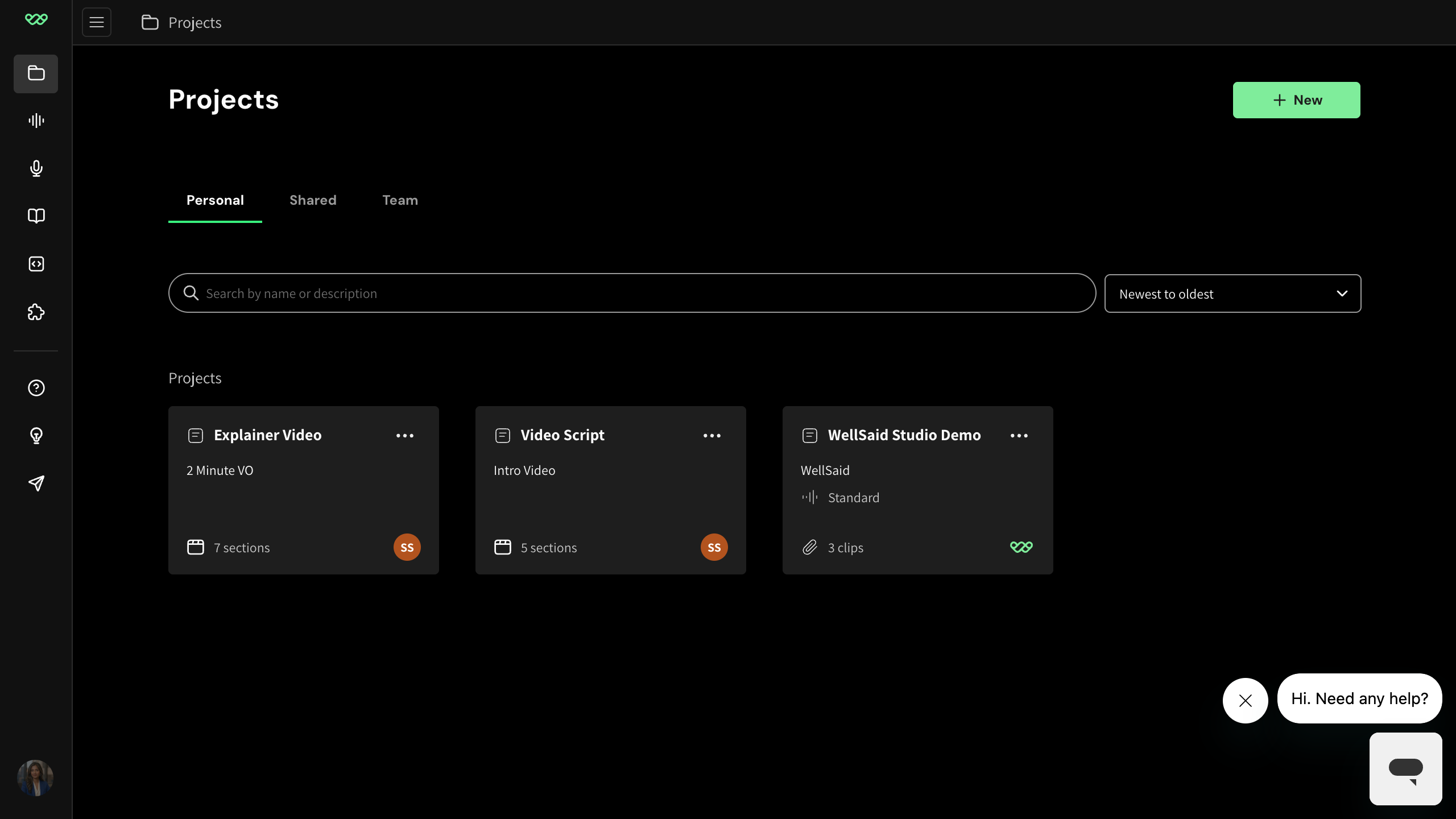
The button is now labeled '+ New' and clicking it opens a chooser menu with three items (Project / Folder / Workspace) before opening the modal. New users watching the tutorial will look for 'NEW PROJECT' and not find it.
Current-app capture of the projects home shows '+ New' button in the top-right; a second capture shows the popover menu with Project/Folder/Workspace options.
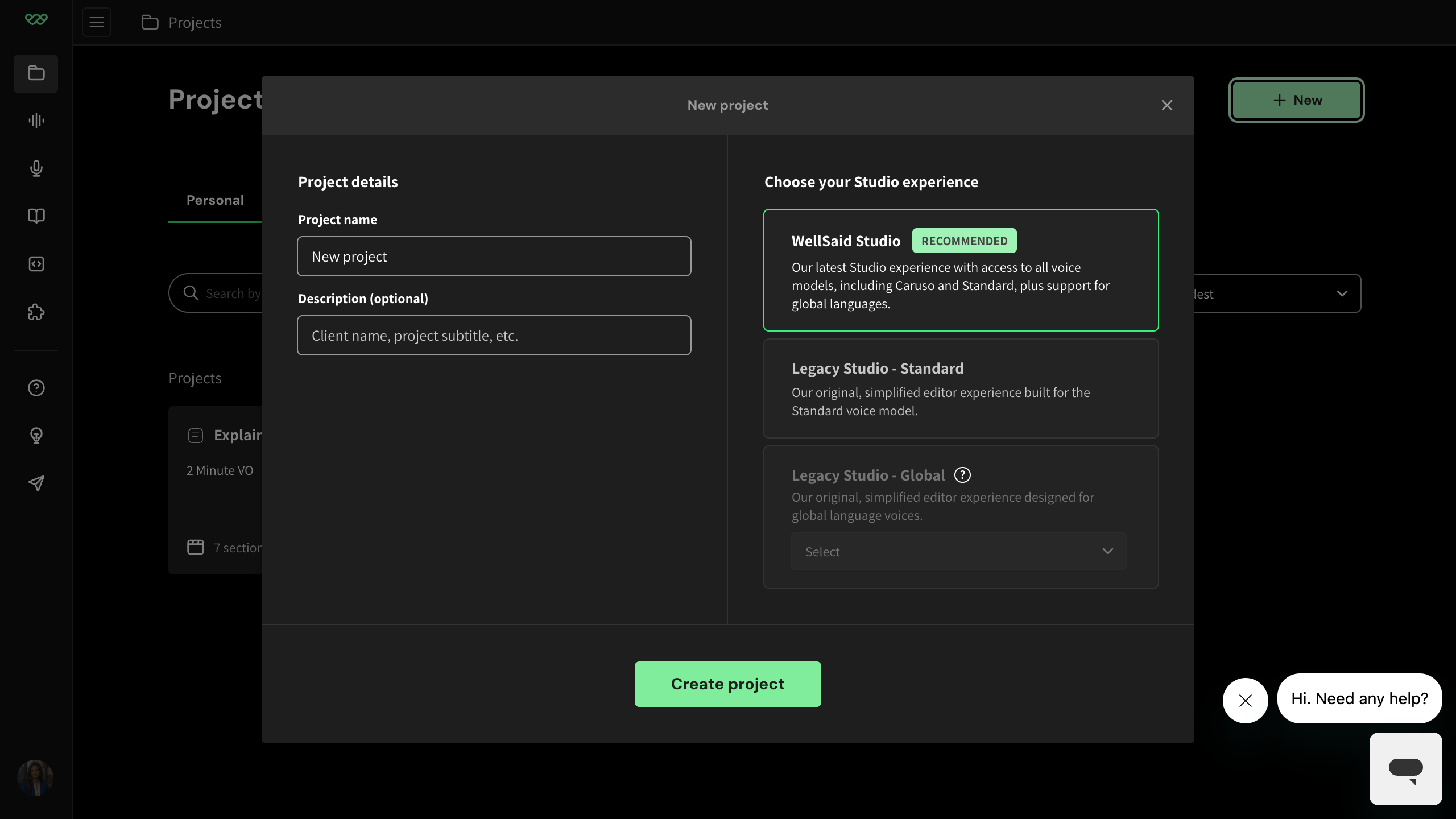
The narrator says 'select the current version of Studio' but the Current/Future BETA dropdown was replaced by three radio cards under 'Choose your Studio experience' — 'WellSaid Studio (recommended)', 'Legacy Studio - Standard', 'Legacy Studio - Global'. The 'current' option was demoted to 'Legacy Studio - Standard' (which is what this tutorial actually demonstrates). A viewer following along will not find a 'current version' selector.
Current-app capture: 'New project' modal shows three radio cards -- 'WellSaid Studio' (RECOMMENDED), 'Legacy Studio - Standard', 'Legacy Studio - Global' (with additional language dropdown).
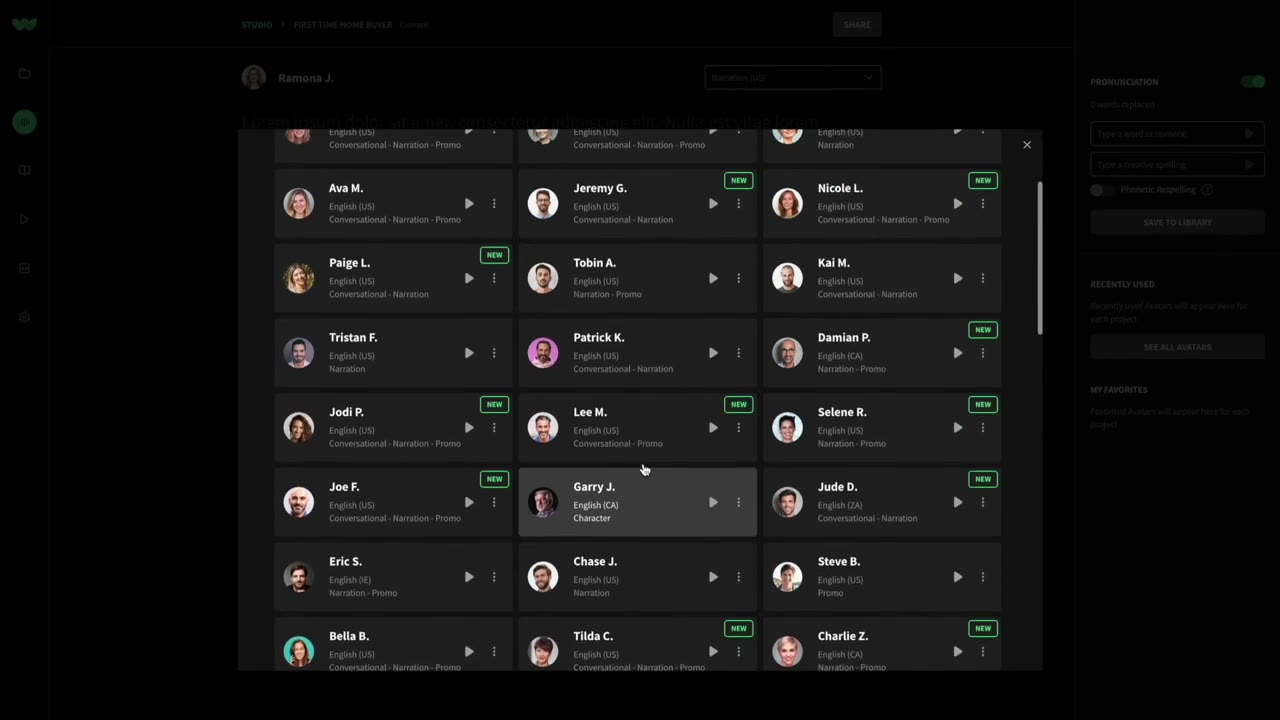
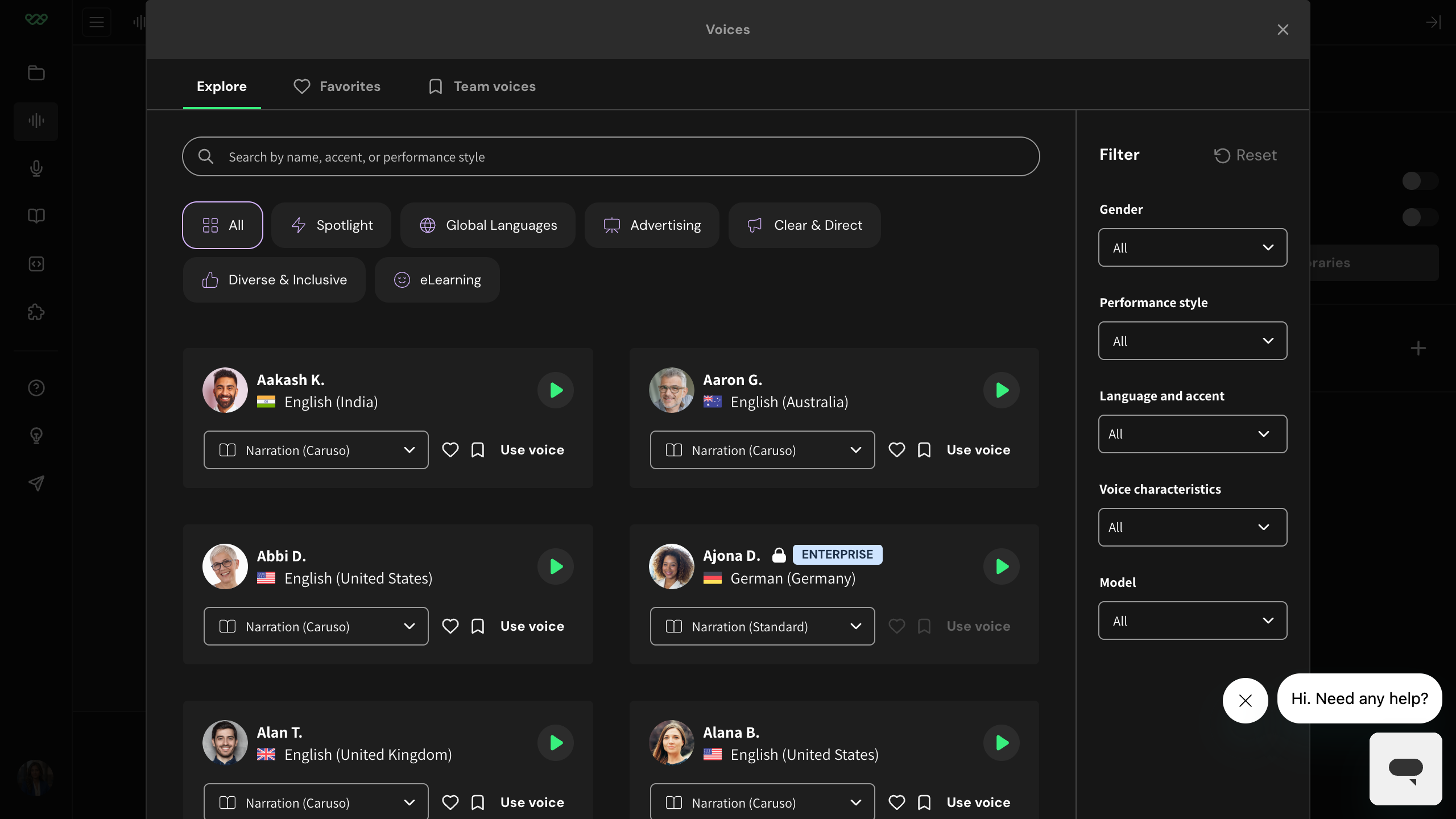
Re-record or caption: 'select the voice from our Voices panel'. In the current Studio, individual items are called 'voice cards' — the word 'avatar' no longer appears in the visible interface.
Mode B audit (2026-04) and current-app capture both confirm Studio no longer uses 'avatar' anywhere in visible UI. The voice-variant combobox's aria-label still reads 'Select avatar variant', but that text is only read by screen readers — sighted users never see 'avatar'.
Re-record or caption: '...from our Voices panel...'. The voice selector dialog is now titled 'Voices' (confirmed in current-app capture).
Corroborated by an existing WellSaid finding: 'Article says Voice Library — the dialog is now titled Voices'.
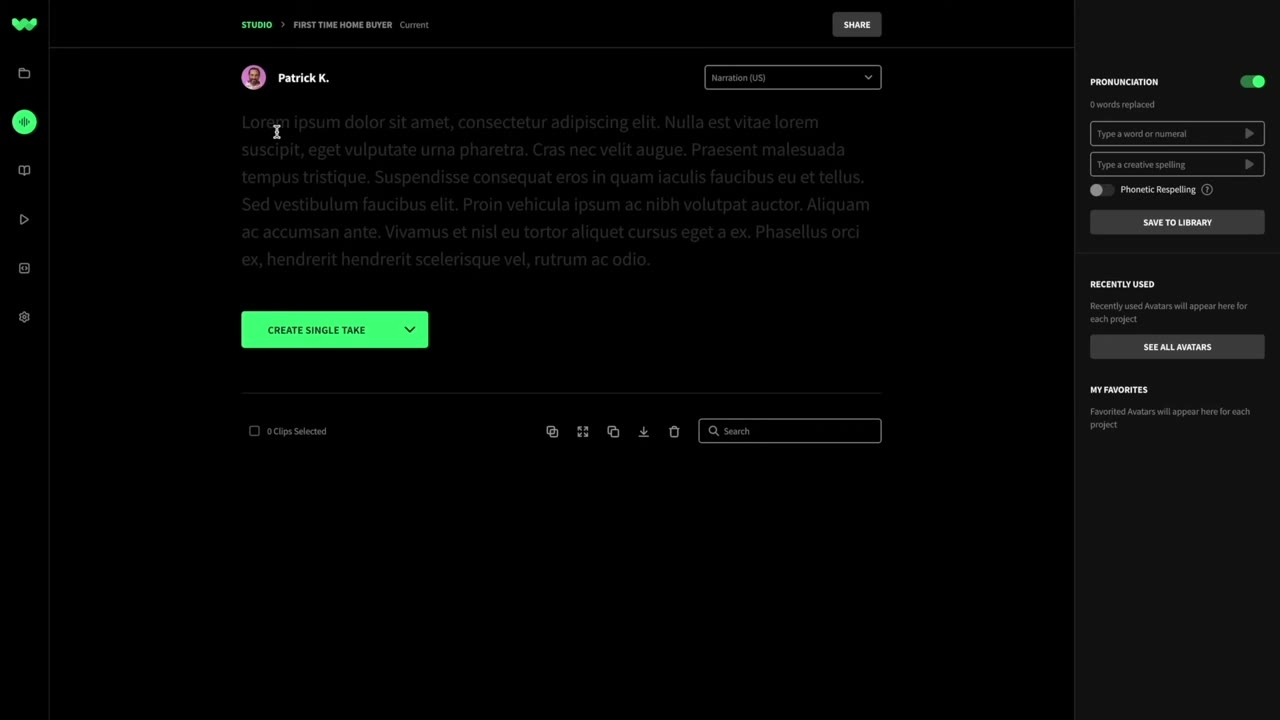
Current Studio UI labels the link 'see all voices' and the panel copy says 'voices' throughout — the word 'Avatars' no longer appears in the current Studio interface.
Corroborated by existing WellSaid Mode B audit: 'Article says See All Avatars -- live UI says see all voices'. Current-app capture confirms no 'Avatar' terminology anywhere in the voice picker or right rail.
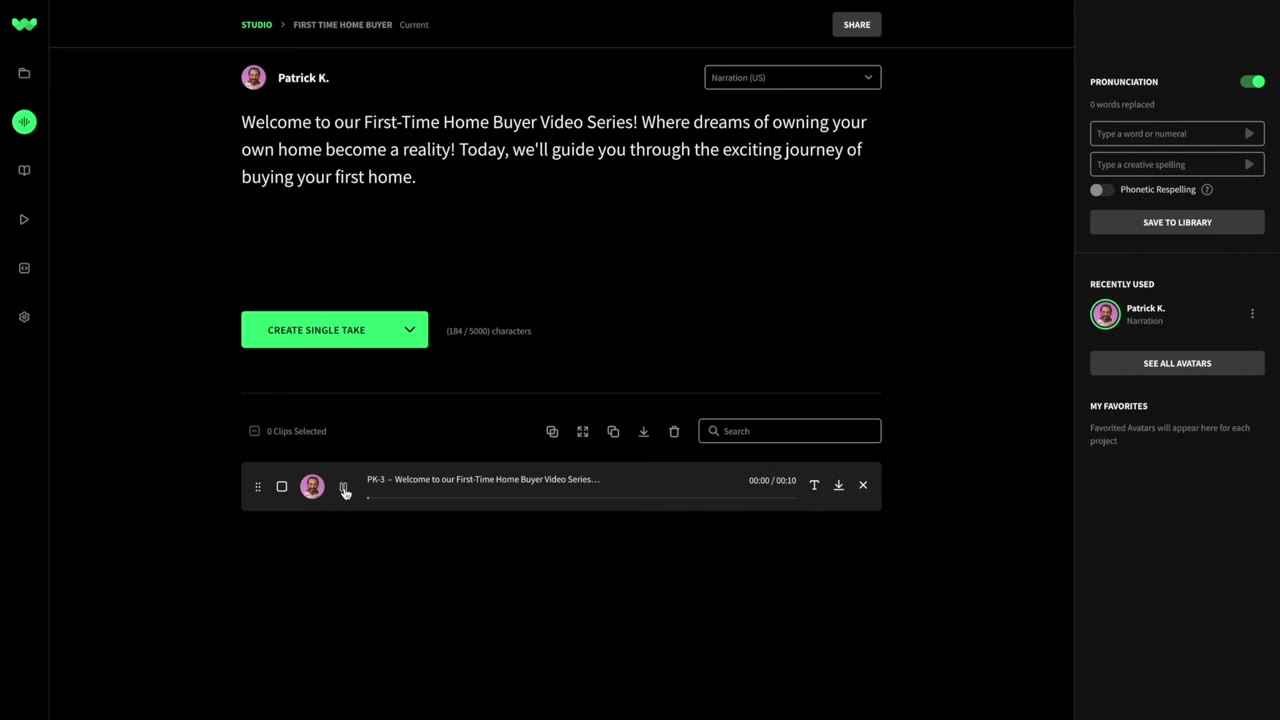
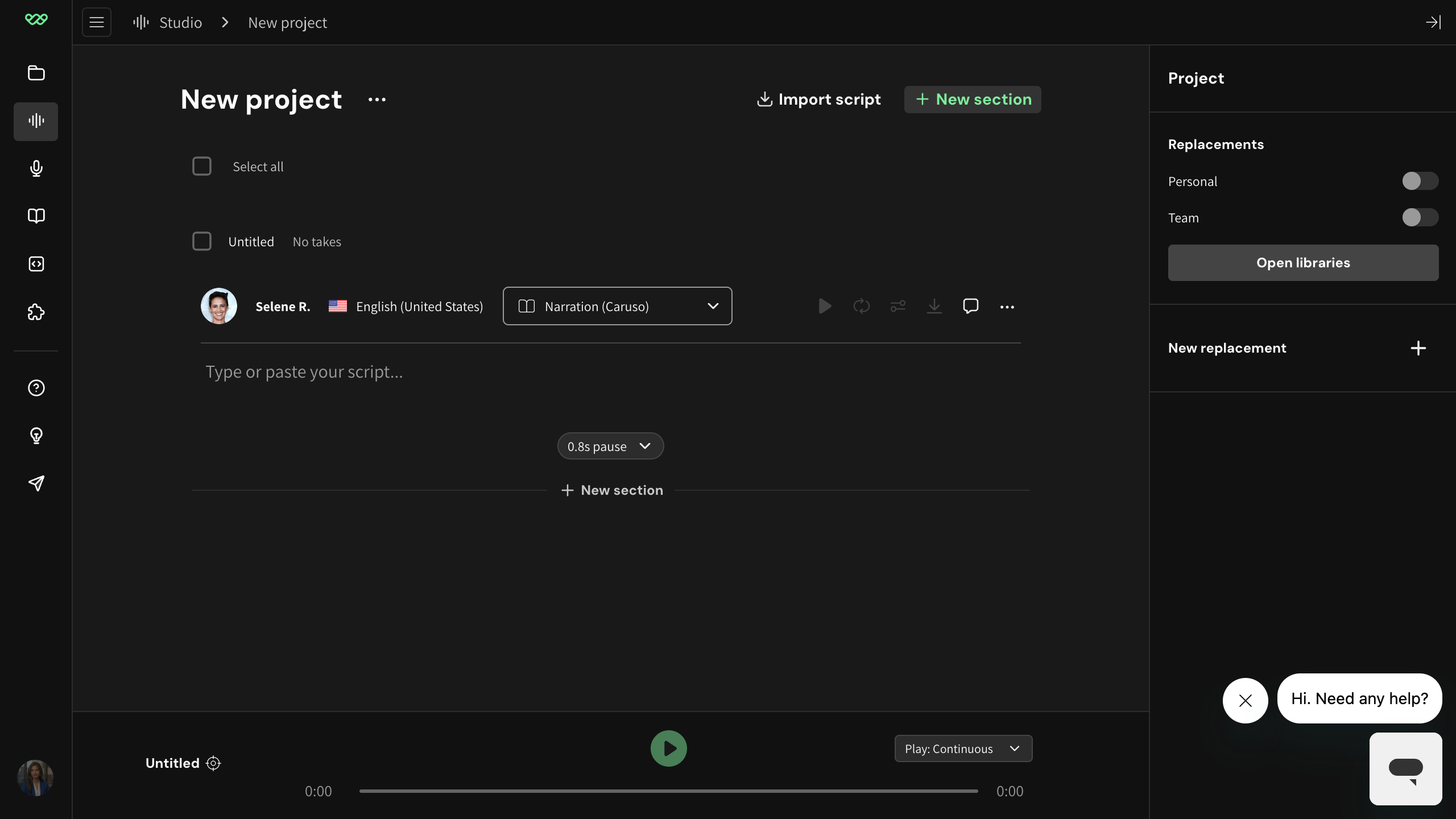
In the new Studio, the right rail no longer has the phonetic pronunciation form (Legacy Studio - Standard still shows a Voices section there). The current rail is titled 'Project > Replacements' with Personal/Team toggles, an 'Open libraries' button, and a 'New replacement' affordance. The pronunciation concept evolved into the broader Replacements + Libraries feature.
Current-app capture of the editor right rail.