Monitoring · Content drift

Drift alerts

Active drift alerts
21
+1 new, -16 resolved since 2026-04-08
Sources monitored
101
across Zendesk
Critical
0
13 warning · 8 info
Sources clean
85
of 101 scanned (84%)
ID Detected drift Type Severity Asset Detected
New New this week — drift detected since 2026-04-081

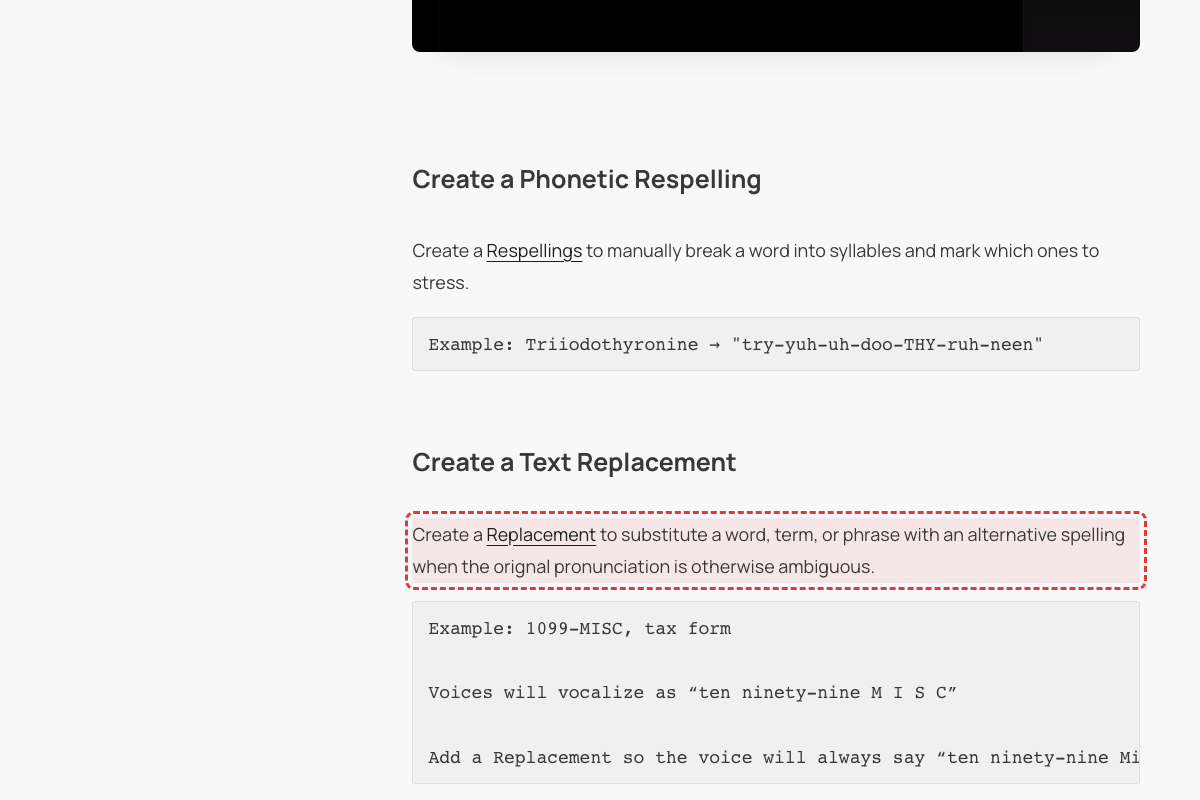
Typo 'orignal' instead of 'original' in Pronunciation Best Practices
Help Article
Fix preview
Current
Article says 'when the orignal pronunciation is otherwise ambiguous'
Fix
Should read 'when the original pronunciation is otherwise ambiguous'
What changed

The word 'orignal' in the 'Create a Text Replacement' section is a clear misspelling of 'original'. This typo exists in the current crawled text (updated 2026-04-18).

Article help.wellsaid.io/…/39076041586707-Pronunciation-Best-Practices↗First seen This scan (2026-04-19) — new alert
Text findings20

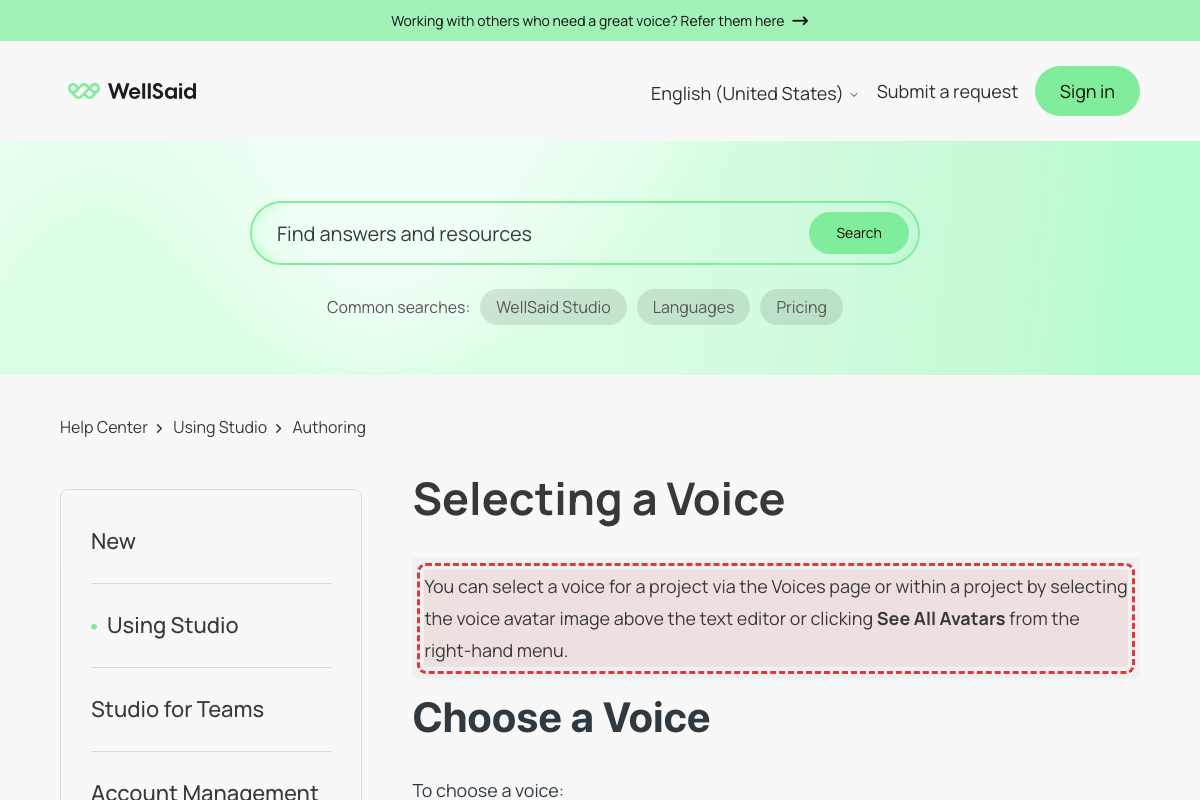
Article says 'See All Avatars' — live UI says 'see all voices'
Help Article
Fix preview
Current
Article instructs: 'clicking See All Avatars from the right-hand menu'
Fix
Update to 'see all voices'. The right sidebar now shows 'see all voices' link.
What changed

Live WellSaid Studio UI (April 2026) confirmed 'see all voices' link in sidebar. No 'Avatars' terminology in current UI. [Mode B UI audit: CONFIRMED: Live UI nav says 'Voices', no 'See All Avatars' anywhere]

Article refers to 'voice avatar image' — product uses 'Voices'

Help Article
Fix preview
Current
Article says: 'selecting the voice avatar image above the text editor'
Fix
Replace 'voice avatar image' with the current voice selector UI element name.
What changed

WellSaid has renamed all 'Avatar' references to 'Voices' throughout the product UI. [Mode B UI audit: CONFIRMED: Voice cards show name + Play/Favorites/Use buttons, no 'voice avatar image']

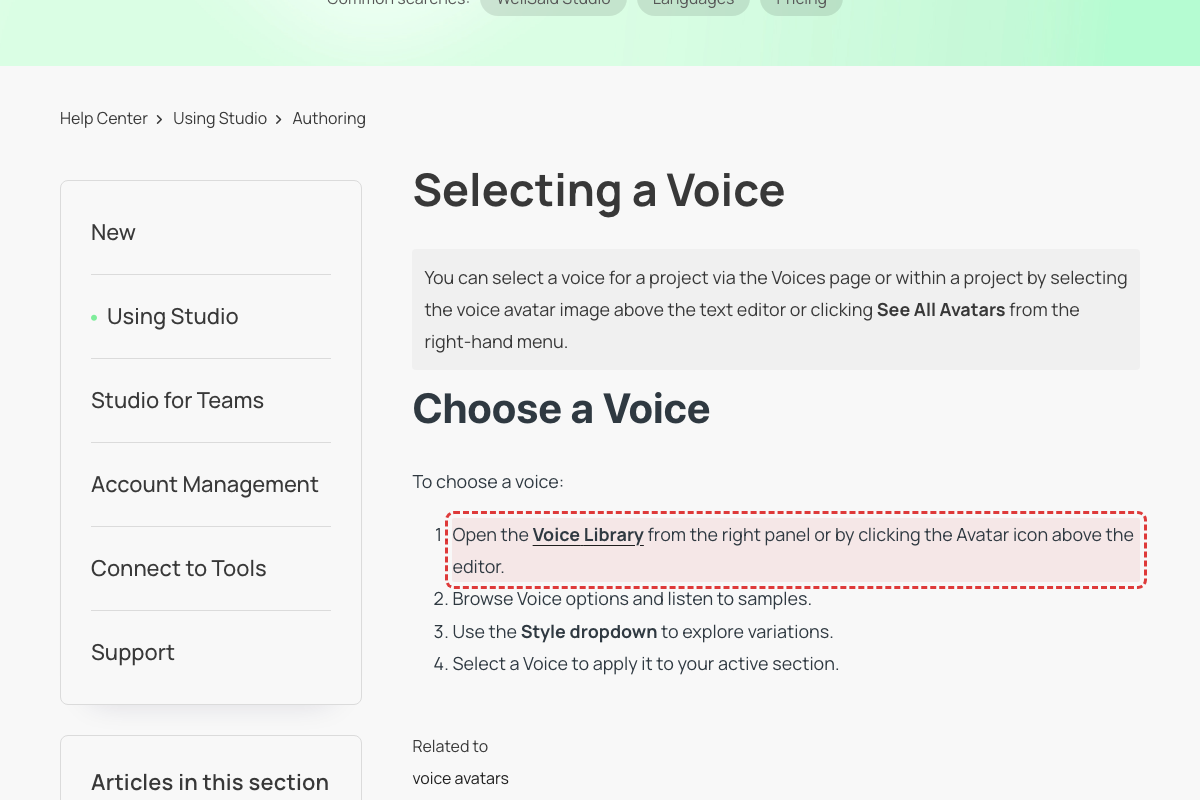
Article says 'Voice Library' — dialog is now titled 'Voices'
Help Article
Fix preview
Current
Article refers to 'Open the Voice Library'
Fix
Replace 'Voice Library' with 'Voices' to match the current dialog title.
What changed

Live Studio UI (April 2026) shows voice selection panel titled 'Voices' with tabs: Explore, Favorites, Team voices. [Mode B UI audit: CONFIRMED: Nav says 'Voices', no 'Voice Library' label]

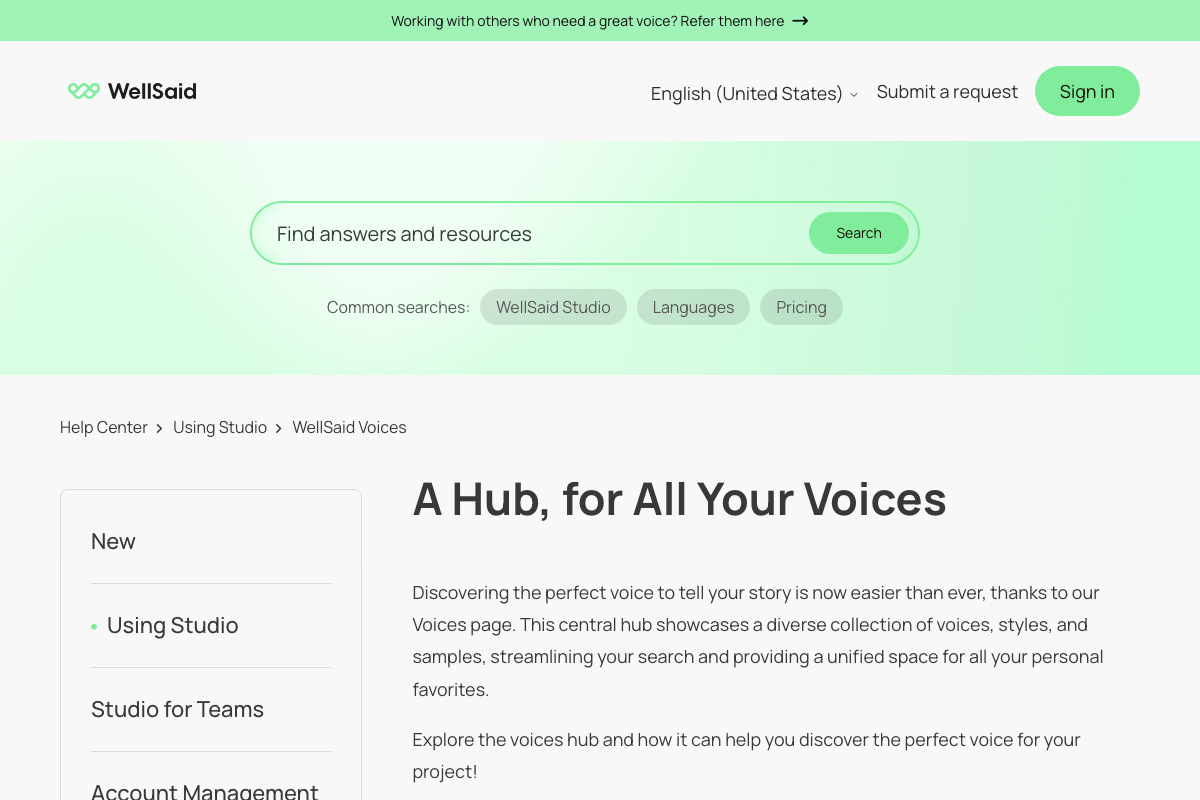
FAQ says 'three dots menu' to remove favorites — now uses heart icon
Help Article
Fix preview
Current
FAQ states: 'Simply open the three dots menu to select Remove from Favorites.'
Fix
Update to describe using the heart icon to toggle favorites on/off.
What changed

Live Voices panel uses heart icon for favoriting/unfavoriting. [Mode B UI audit: CONFIRMED: Voice cards have 'Save to favorites' text button, no three-dot menu]

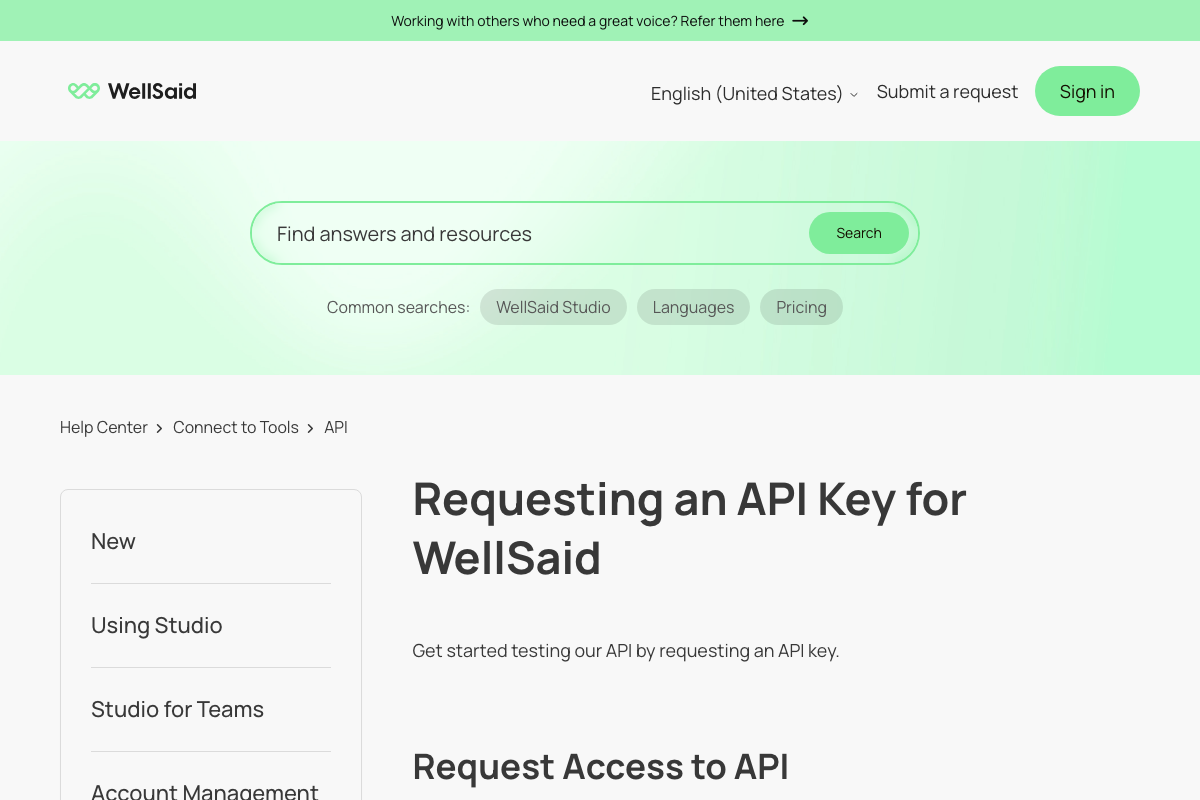
API trial period stated as 14 days, but Studio trial page and pricing page say 7 days
Help Article
Fix preview
Current
The article states users can 'Experience it firsthand with a 14-day trial' for API access.
Fix
Align the API trial period with the Studio trial period. The 'What's Included in the WellSaid Studio Trial?' article and the Release Notes both state the free trial is 7 days. Either the API trial is genuinely different (in which case this should be clarified), or this should be corrected to 7 days.
What changed

Verified: WellSaid pricing page states '1-week Studio trial and a 1-week API trial'. API product page (wellsaid.io/products/api) states 'You'll have 7 days to try out all of our features.' The help article's claim of a 14-day API trial contradicts both official pages. [Mode B UI audit: CLARIFIED: API page says '14-day trial' for API specifically. Studio trial is 7 days. Both are correct for their context but help article conflates them.]

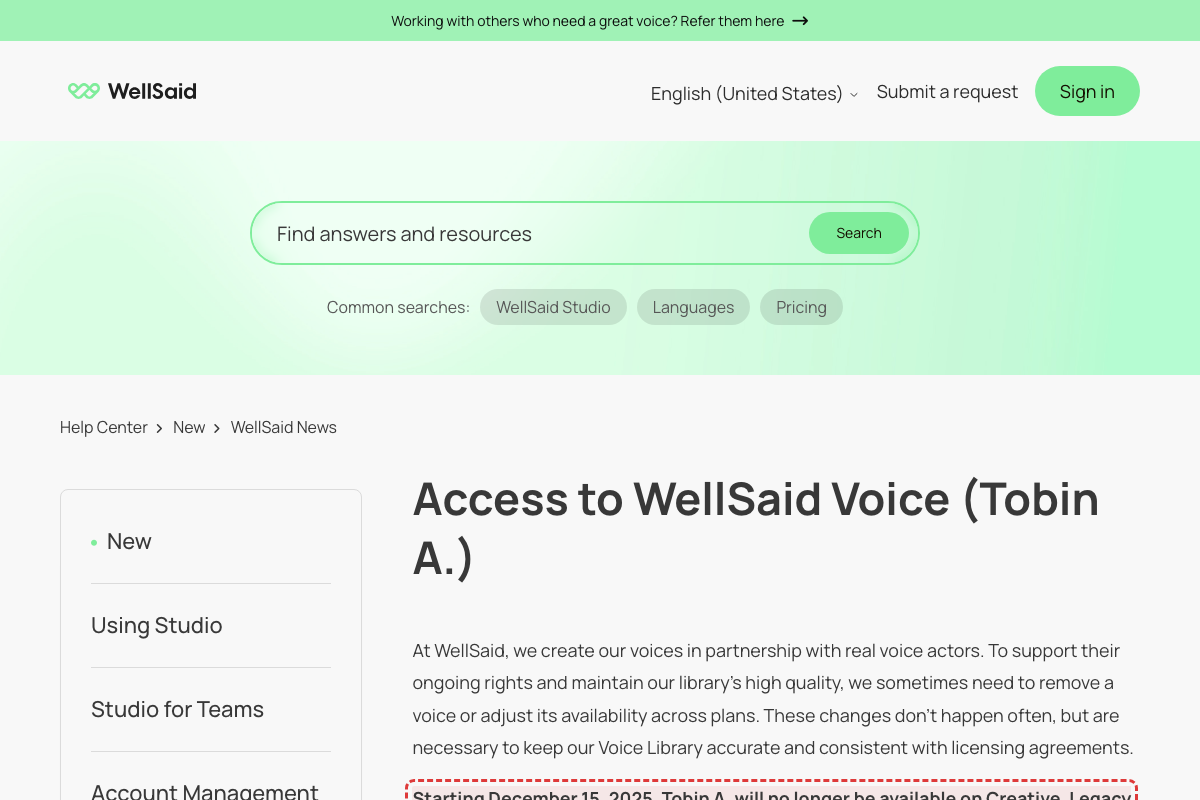
Outdated voice restriction dates using future tense
Help Article
Fix preview
Current
Starting December 15, 2025, Tobin A. will no longer be available on Creative, Legacy Creative, or Legacy Maker plans.
Fix
Tobin A. is no longer available on Creative, Legacy Creative, or Legacy Maker plans as of December 15, 2025.
What changed

Article uses future tense ("will no longer be available") for a date that passed 113 days ago (today is April 7, 2026). The date December 15, 2025 is in the past. Also see FAQ stating "All content created before December 15, 2025, will remain accessible" - this wording is also stale.

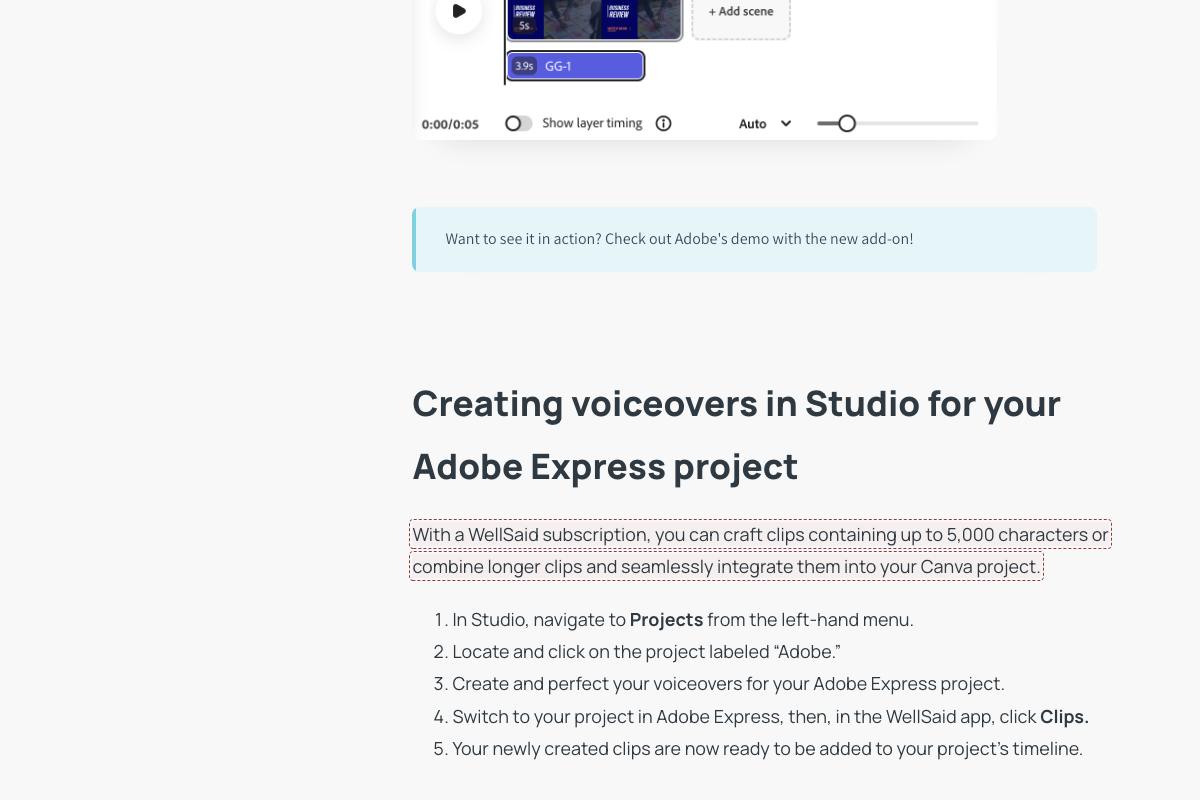
References 'Canva project' but article is about Adobe Express integration
Help Article
Fix preview
Current
With a WellSaid subscription, you can craft clips containing up to 5,000 characters or combine longer clips and seamlessly integrate them into your Canva project.
Fix
With a WellSaid subscription, you can craft clips containing up to 5,000 characters or combine longer clips and seamlessly integrate them into your Adobe Express project.
What changed

The entire article is titled 'WellSaid Studio for Adobe Express' and focuses on Adobe Express integration. The page describes the Adobe Express add-on workflow. The mention of 'Canva' appears to be a copy-paste error from documentation for a different platform or product. Canva is a separate design platform, not Adobe Express.

Article help.wellsaid.io/…/39187648788243-WellSaid-Studio-for-Adobe-Express↗First seen 2026-04-08 — also in 9 prior scans

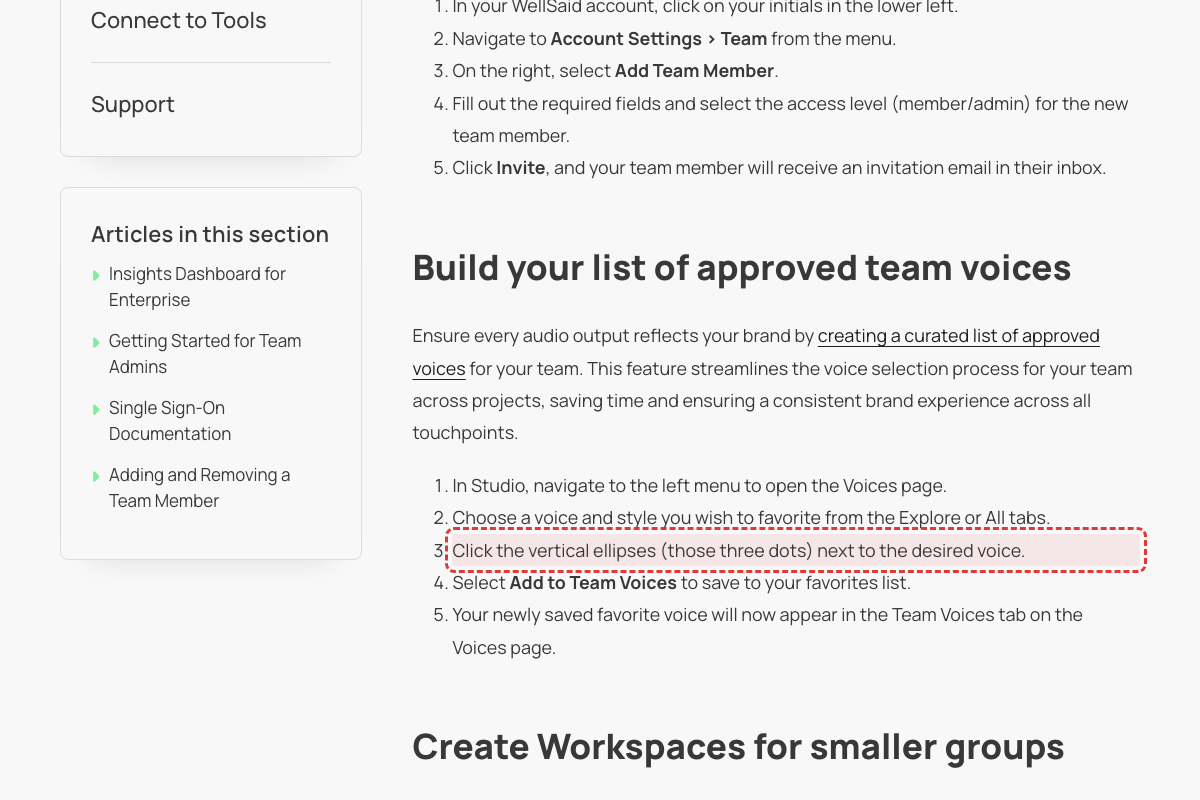
Favoriting uses heart icon, not 'vertical ellipses (three dots)'
Help Article
Fix preview
Current
Article instructs: 'Click the vertical ellipses (those three dots) next to the desired voice. Select Add to Team Voices'
Fix
Update to use the current heart/bookmark icon workflow for adding team voices.
What changed

Live Voices panel uses heart icon for favoriting, not three-dot menu. [Mode B UI audit: CONFIRMED: 'Save to favorites' text button, no 'vertical ellipses']

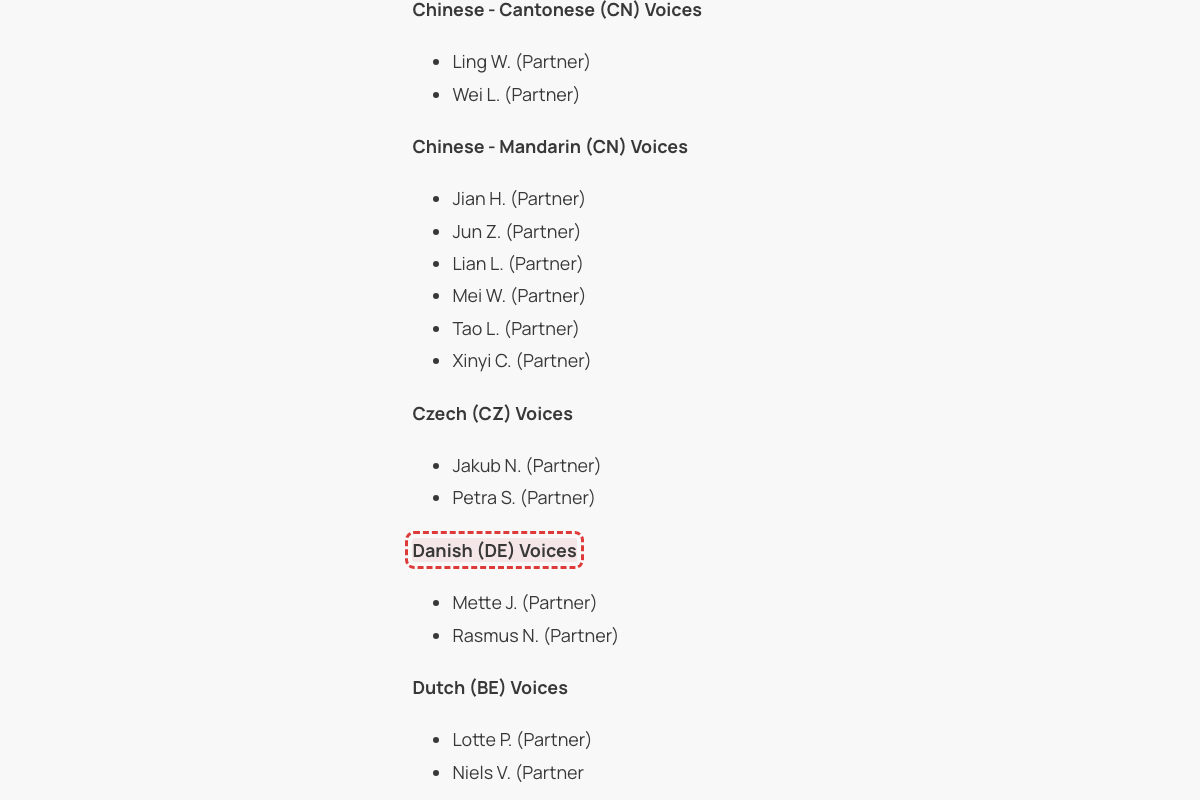
Incorrect ISO country code for Danish voices
Help Article
Fix preview
Current
Danish (DE) Voices
Fix
Danish (DK) Voices
What changed

ISO 3166-1 alpha-2 code for Denmark is DK, not DE. DE is the code for Germany. The page incorrectly uses DE which is the ISO code for Germany, not Denmark. [Mode B UI audit: CONFIRMED: Dropdown shows 'Danish (Denmark)', ISO code DK not DE]

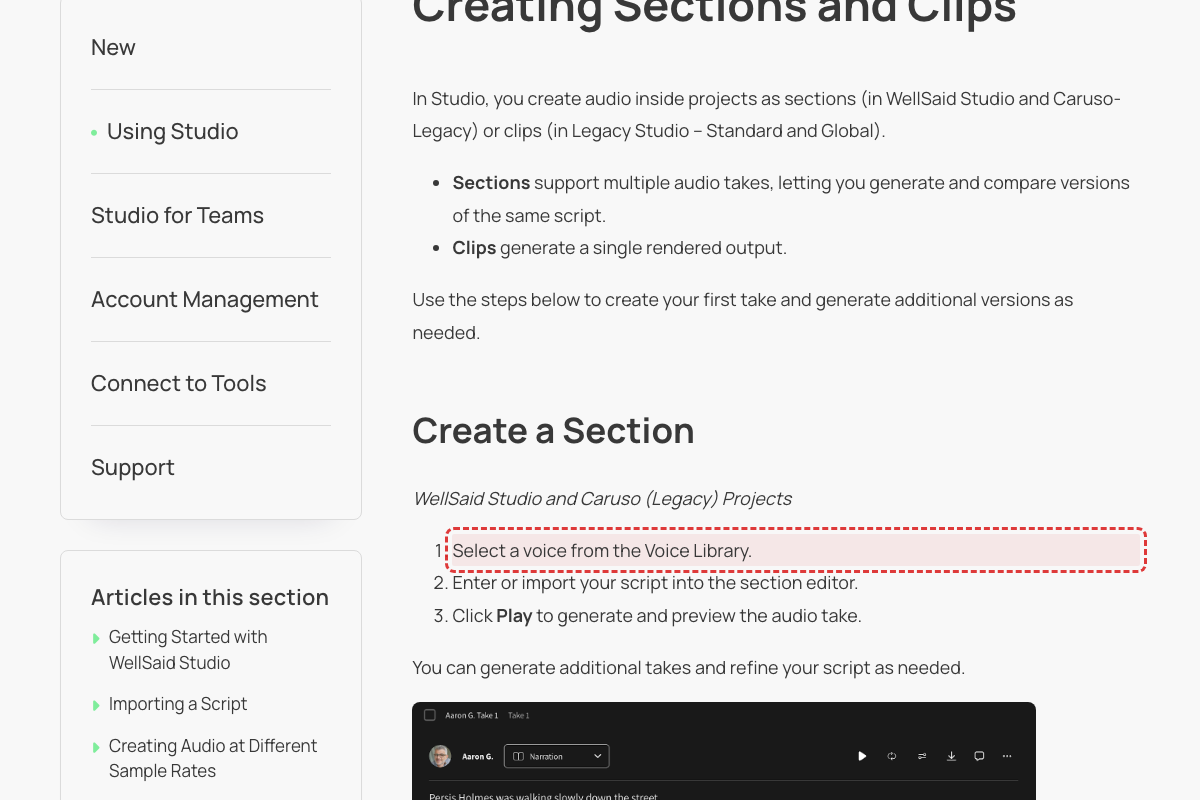
Article says 'Voice Library' — now 'Voices'
Help Article
Fix preview
Current
Article instructs: 'Select a voice from the Voice Library'
Fix
Update to 'Select a voice from the Voices panel'.
What changed

Voice selection panel now titled 'Voices'. [Mode B UI audit: CONFIRMED: Studio editor has no 'Voice Library' — voice selection is inline]

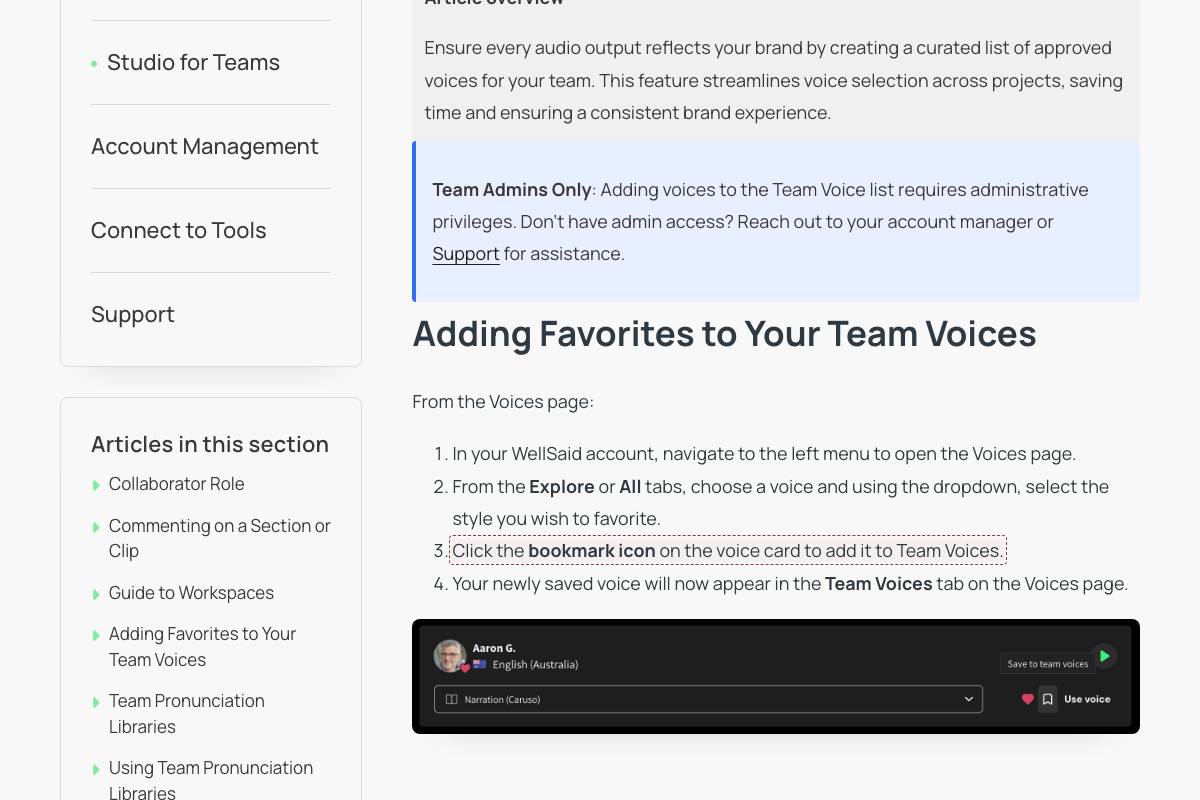
Team Voices article says 'bookmark icon' but live UI and other articles say 'heart icon'
Help Article
Fix preview
Current
Article instructs: 'Click the bookmark icon on the voice card to add it to Team Voices.'
Fix
The live Studio UI uses a heart icon for favoriting voices. The sibling article 'Favoriting a Voice' (updated the same day) correctly describes clicking the 'heart icon on the voice card.' The 'Getting Started with WellSaid Studio' article also says 'clicking the heart icon on the voice card.' Update 'bookmark icon' to 'heart icon' for consistency with the live UI and other help articles.
What changed

Three sources confirm the heart icon: (1) The 'Favoriting a Voice' article (updated 2026-04-17) says 'Click the heart icon on the voice card to add it to Favorites.' (2) The 'Getting Started with WellSaid Studio' article (updated 2026-04-15) says 'Save frequently used Voices by clicking the heart icon on the voice card.' (3) The previous scan's UI audit (carried-forward issue on 'A Hub, for All Your Voices') confirmed the live Studio uses a heart icon for favoriting/unfavoriting. The 'Adding Favorites to Your Team Voices' article (also updated 2026-04-17) uses 'bookmark icon' which contradicts all three sources. [Mode B UI audit: CONFIRMED: Button says 'Save to favorites' (text), not bookmark or heart icon]

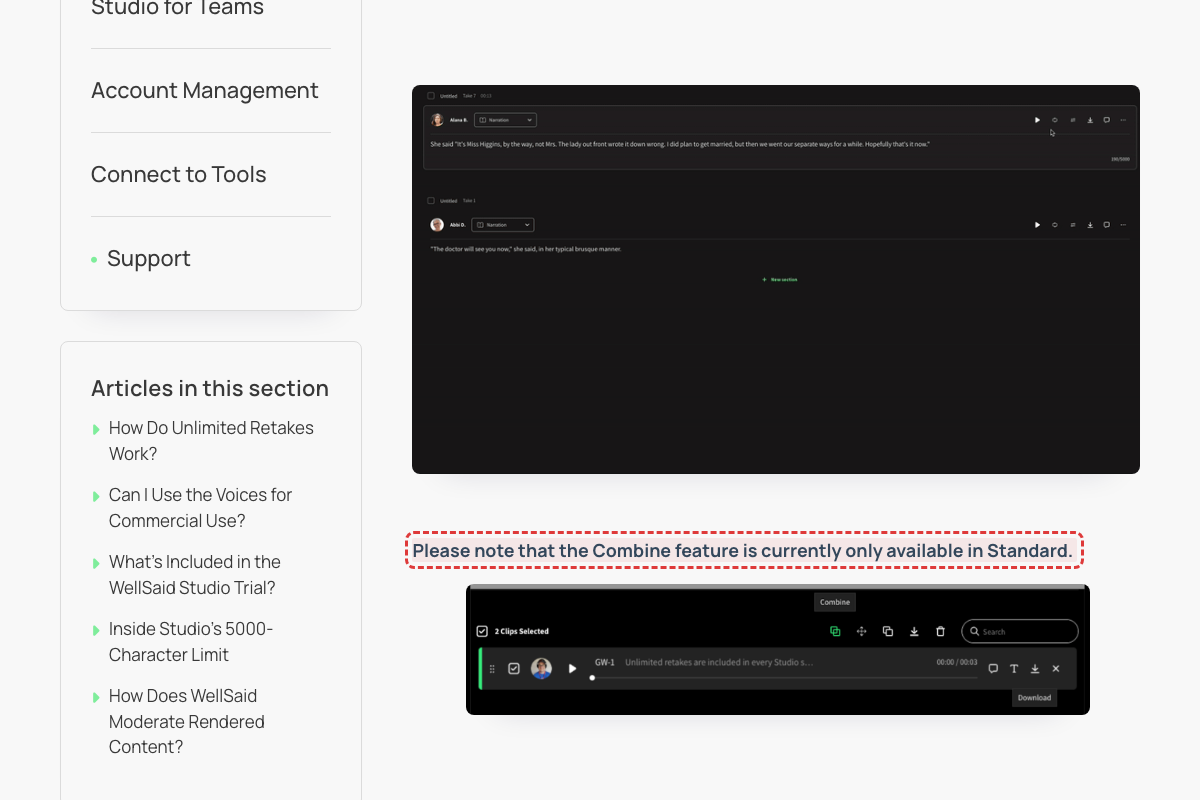
Combine feature claimed to be 'only available in Standard' but Release Notes indicate it's for Caruso
Help Article
Fix preview
Current
Please note that the Combine feature is currently only available in Standard.
Fix
The Combine Clips feature was introduced in December 2025 as a Caruso project feature, not a Legacy Studio Standard model feature. Update to reflect current Caruso/modern Studio availability.
What changed

Release Notes (February 2026) state under December 2025: 'You can now combine multiple rendered sections into a single audio file—directly in a Caruso project.' The Caruso model is the modern, recommended model for WellSaid Studio (distinct from legacy Standard model). Page 7's claim appears to reference outdated information or an earlier product configuration.

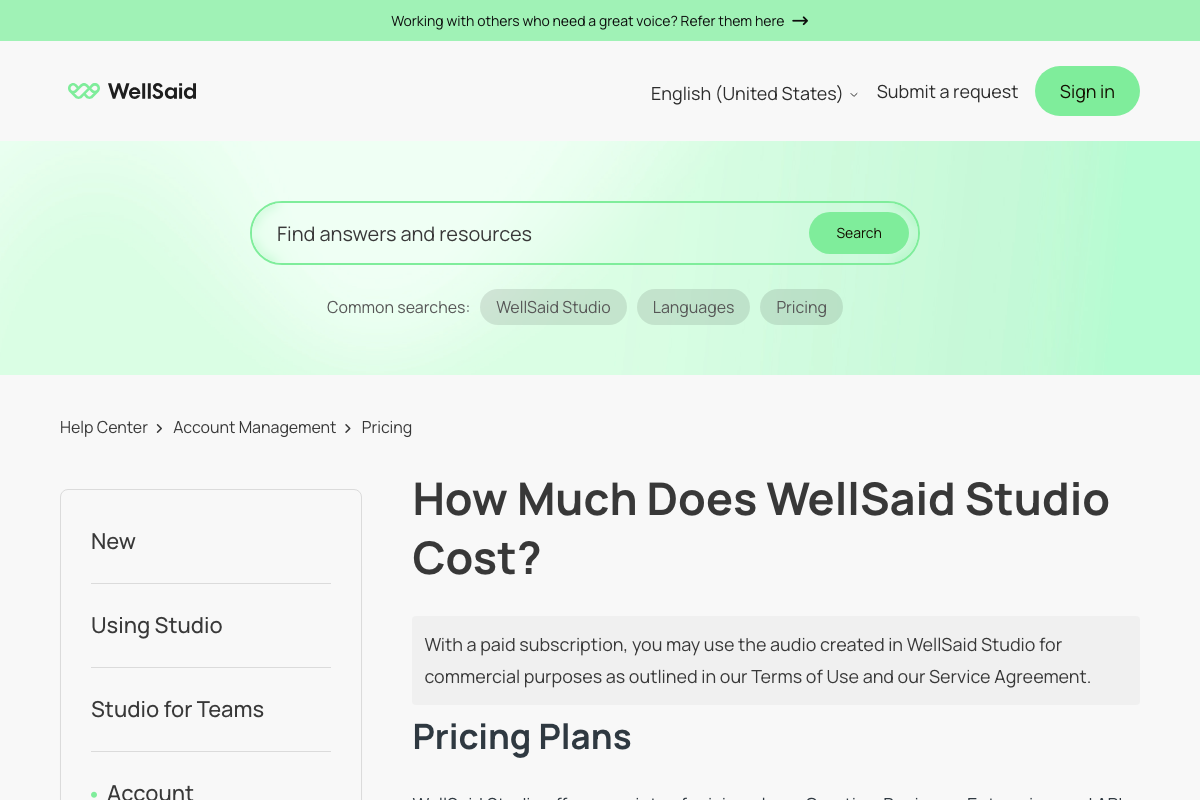
Pricing page lists 'API' as a subscription plan, but API is not a self-service plan
Help Article
Fix preview
Current
The pricing article lists four plans: Trial, Creative, Business, and API — presenting API as a standalone subscription tier alongside consumer plans.
Fix
The self-service subscription tiers are Trial, Creative, and Business. Enterprise is the fourth tier. API access is a feature available across plans (with custom pricing for dedicated API plans), not a standalone subscription tier. Update the plan list to: Trial, Creative, Business, Enterprise.
What changed

The 'Does WellSaid Offer Enterprise Pricing?' article describes Enterprise as a plan tier. The 'Requesting an API Key' article describes API access as a feature that can be requested, not purchased as a plan. The main wellsaid.io pricing page lists Creative, Business, and Enterprise — not API.

Article says 'Request API Key' button but UI shows 'Get API key'

Help Article
Fix preview
Current
Article instructs: 'Within WellSaid API section, select Request API Key'
Fix
The API page shows a button labeled 'Get API key', not 'Request API Key'. There is also a 'Contact us' button alongside it.
What changed

Navigated to API page (/dashboard/api). The primary CTA button is labeled 'Get API key'.

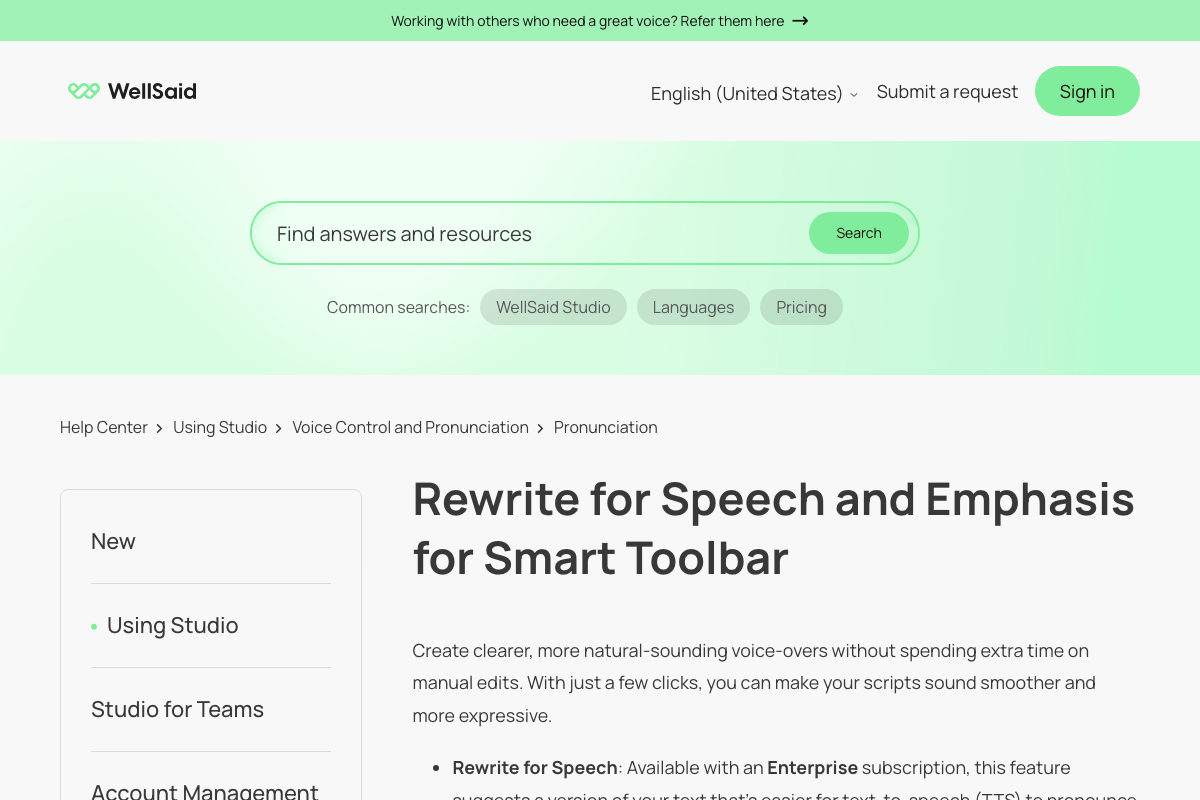
Smart Toolbar label is 'Add emphasis' not just 'Emphasis'
Help Article
Fix preview
Current
Article describes 'Select Emphasis option to apply quotation marks to highlighted word'
Fix
The Smart Toolbar button is labeled 'Add emphasis', not just 'Emphasis'. The toolbar also shows 'Rewrite for speech', 'Select replacement', and '+ New replacement' options.
What changed

Double-clicked a word in the Studio editor to trigger the Smart Toolbar. Toolbar appeared with buttons: 'Rewrite for speech', 'Add emphasis', 'Select replacement' (dropdown), '+ New replacement'.

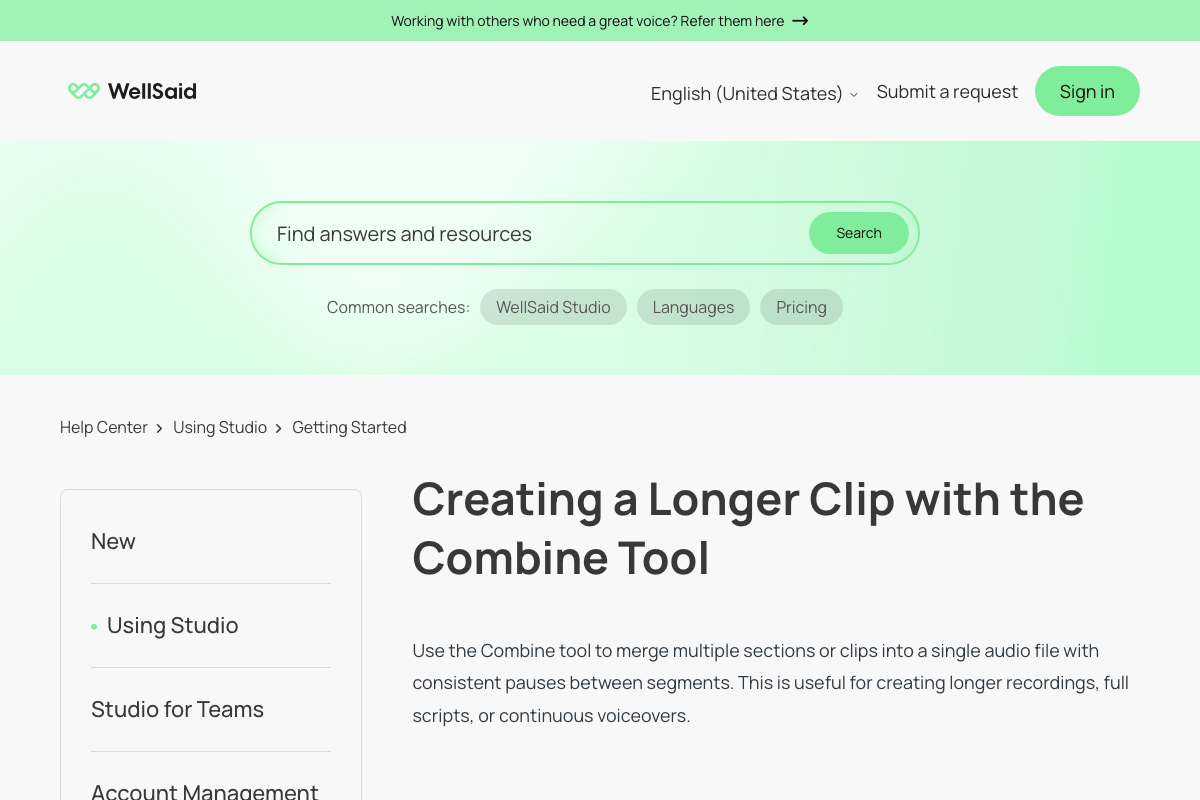
Pause length label mismatch: article says 'Short' but UI shows 'Small'
Help Article
Fix preview
Current
Article states pause options are 'Short (0.3s), Natural (0.8s), Long (1.2s)'
Fix
The actual UI labels in WellSaid Studio are 'Small (0.3 seconds)', 'Natural (0.8 seconds)', 'Long (1.2 seconds)'. The shortest option is labeled 'Small' not 'Short'. There is also a 'Custom value' option (up to 10s) not mentioned in the article.
What changed

Clicked the pause dropdown between sections in the Studio editor. Dropdown shows: Small (0.3 seconds), Natural (0.8 seconds) [selected], Long (1.2 seconds), Custom value (Enter value up to 10s), Reset to default, Go to settings.

Article describes 'advanced filter' but actual UI uses dropdown filters in sidebar panel

Help Article
Fix preview
Current
Article says 'Use advanced filter to quickly locate voices by characteristics and accents'
Fix
The Voices page has a Filter panel on the right side with dropdown filters for: Gender, Performance style, Language and accent, Voice characteristics, and Model. There is no single 'advanced filter' button — the filters are always visible in the sidebar. The filter panel also includes category pill buttons (All, New!, Global Languages, Advertising, Clear & Direct, Diverse & Inclusive, eLearning).
What changed

Navigated to Voices page (/dashboard/avatars). Right sidebar shows persistent Filter panel with five dropdown categories. No 'advanced filter' toggle or button exists. [Mode B UI audit: CONFIRMED: Same — 'Save to favorites' button, no ellipsis menu]

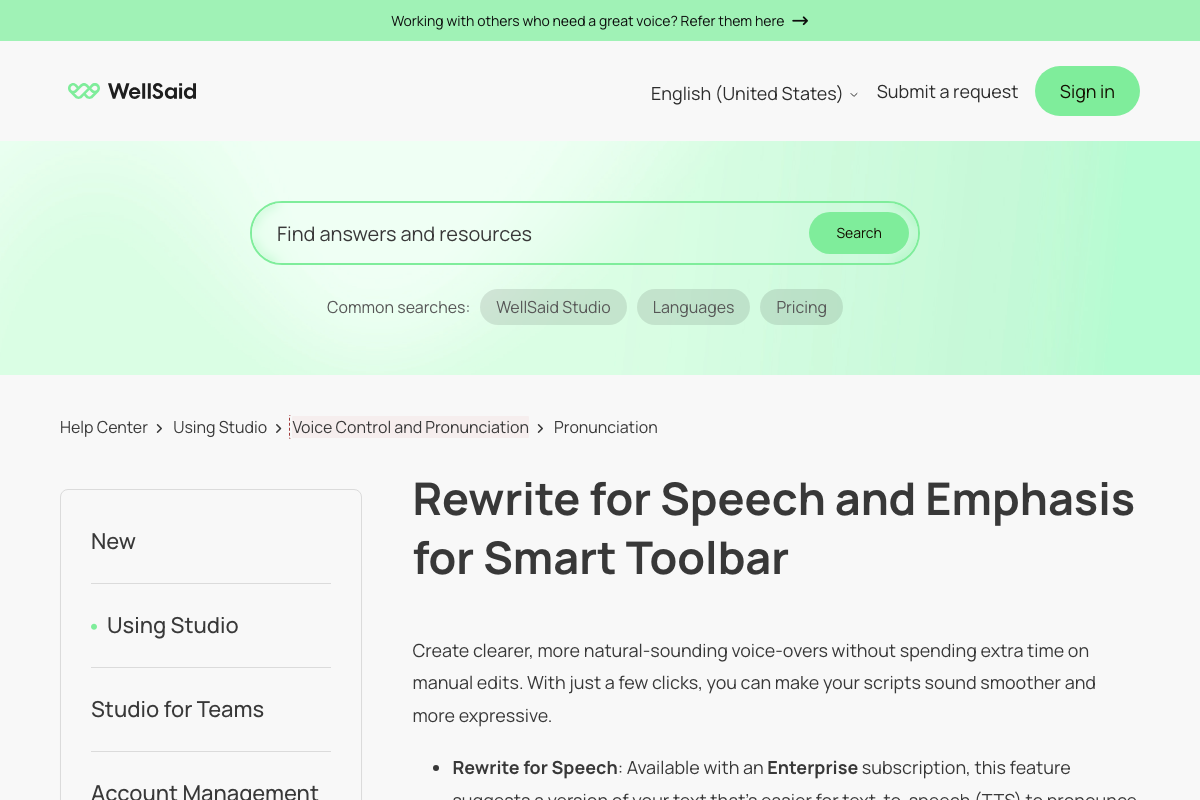
Article says 'Toggle AI Smart Features off' but actual setting is labeled 'AI Smart Features' with Enabled/Disabled toggle
Help Article
Fix preview
Current
Article says 'Team admin can turn off Smart Toolbar options in Account Settings > Settings' and 'Toggle AI Smart Features off disables all smart features'
Fix
In Account Settings > Settings, the toggle is under 'Team settings' section labeled 'AI Smart Features' with description 'Enable AI-powered smart features for your team. These tools are powered by a trusted third-party LLM.' The toggle shows 'Enabled'/'Disabled' state. The article's description is functionally correct but the label path differs slightly.
What changed

Navigated to Account Settings > Settings tab. First section is 'Team settings' with 'AI Smart Features' toggle currently set to Enabled.

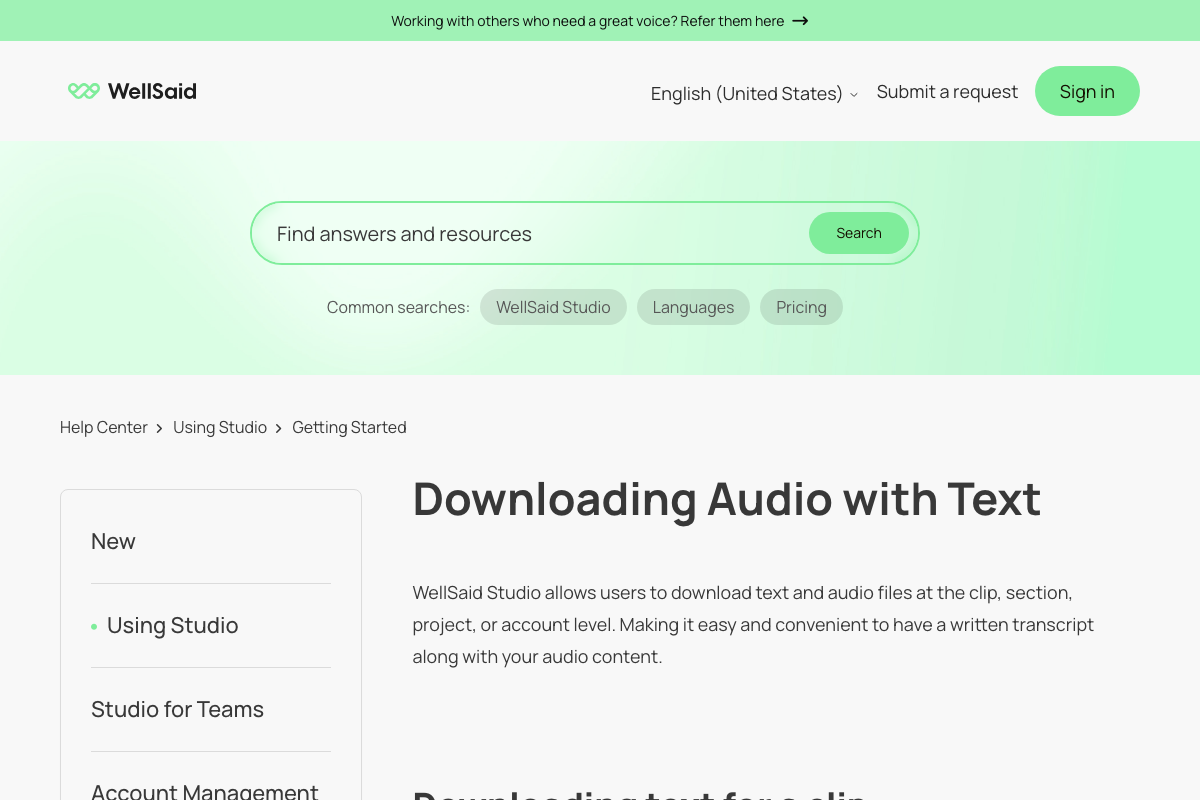
Download dialog uses 'Include caption files' not separate text download option
Help Article
Fix preview
Current
Article describes 'Option to select text download' and 'Under Include .txt file, toggle to enable text download' in Account Settings
Fix
The download dialog in Studio shows 'Include caption files' as an expandable section. The Account Settings > Settings page shows 'Global download' toggle for setting default file format, but no separate '.txt file' toggle was visible. The download modal offers caption files (SRT/VTT) rather than a standalone .txt option.
What changed

Opened the Download dialog by selecting all 7 sections and clicking Download. Dialog shows: Audio file (.mp3/.wav/.ogg), Download audio as (Individual files / Combined file), File naming options, and 'Include caption files' expandable section.

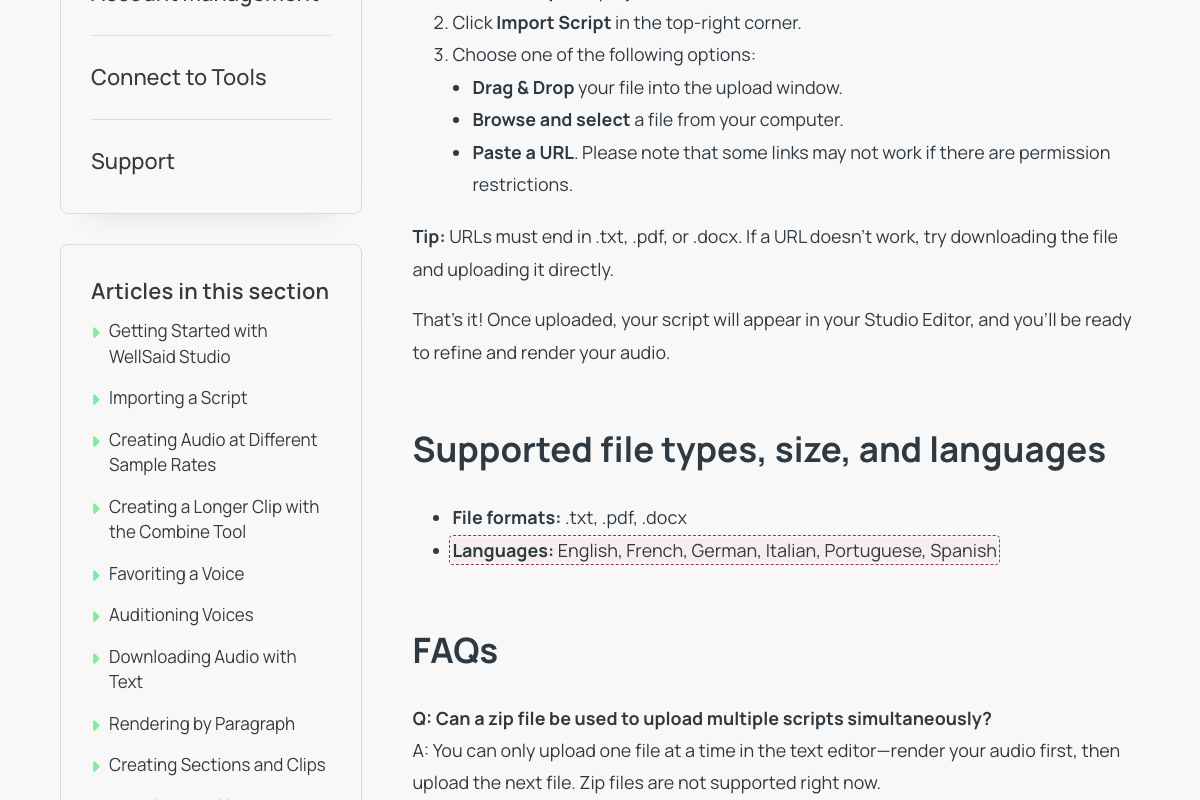
Incomplete language support list for script import
Help Article
Fix preview
Current
Languages: English, French, German, Italian, Portuguese, Spanish
Fix
WellSaid Studio supports multiple additional languages beyond those listed: Arabic, Chinese (Cantonese and Mandarin), Danish, Dutch, French, German, Italian, Japanese, Korean, Persian, Polish, Portuguese, Spanish, Swedish, and Turkish
What changed

The article lists 6 supported import languages (English, French, German, Italian, Portuguese, Spanish). WellSaid supports 15+ languages for TTS synthesis including Arabic, Japanese, Korean, etc. However, script import may intentionally be limited to Latin-script languages due to text processing constraints. Cannot verify without testing the import feature directly.